Fort Myers Accounts Payable Aging Report Guide for Small Businesses
You run a small shop in Fort Myers. Bills stack up after a busy tourist season. Suddenly, cash feels tight because some vendors wait too long for payment. An accounts payable aging report fixes that. It shows exactly which bills are due now and which ones lag.
This report sorts your unpaid bills by age. You see problems early. That helps you pay on time, keep vendors happy, and plan cash flow better. In Southwest Florida, where seasons swing hard, this tool keeps surprises low.
Let's break it down. You'll learn what it is, why it matters, and how to use it.
What Is an Accounts Payable Aging Report?
An accounts payable aging report lists all bills you owe vendors. It groups them by how old they are. Current bills sit in one bucket. Overdue ones sort into 30 days past due, 60 days, and so on.
Think of it like sorting mail. Fresh bills go in a small pile. Old ones stack higher. That visual shows urgency.
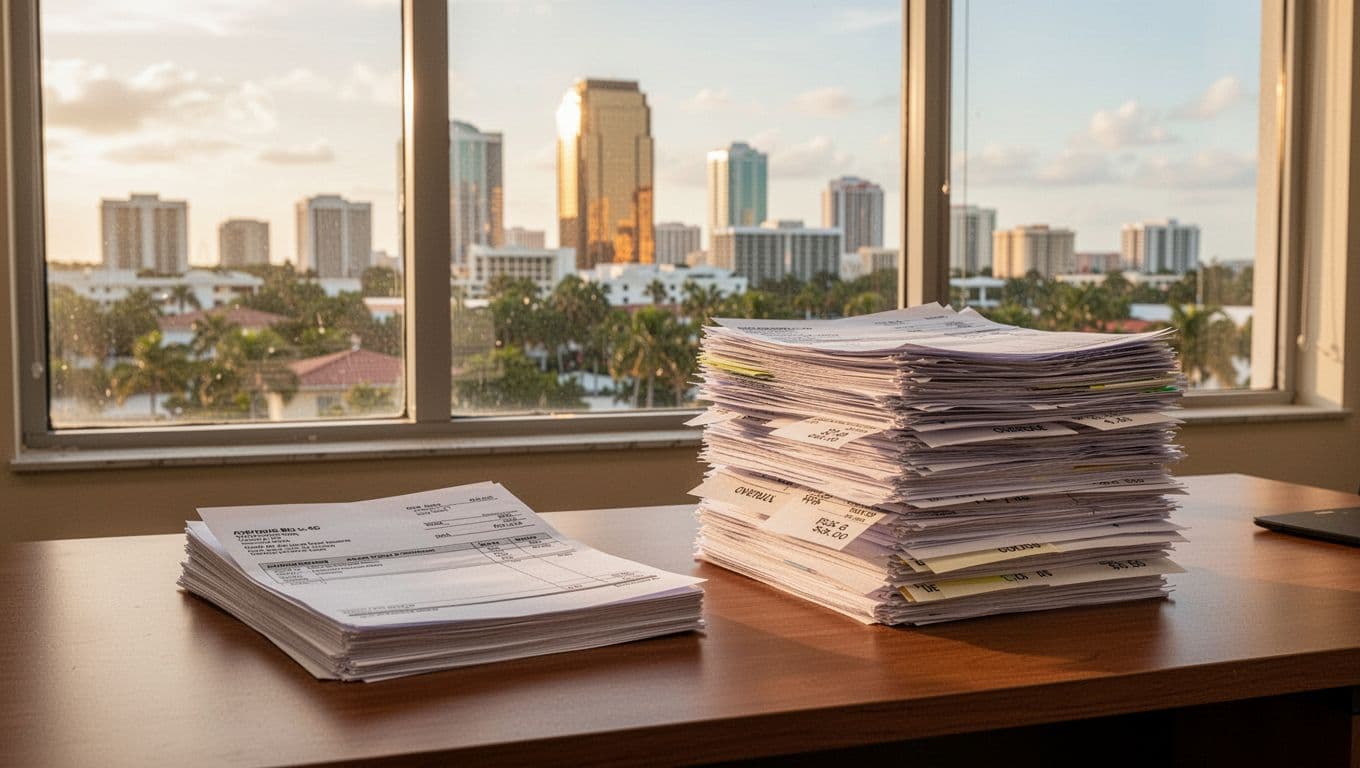
Most reports use simple buckets. Current means due this week. Then 1-30 days past due. Next, 31-60 days. After that, 61-90 days. Anything over 90 days flags real risk.
You pull this from QuickBooks or Xero. It pulls open bills and dates them from invoice day. No guesswork. Just facts on what you owe.
Small businesses love it because it's quick. Run it weekly. Spot trends fast. For example, if your office supply bill hits 60 days every month, call them first.
Why Every Fort Myers Small Business Needs One
Cash flow rules in Fort Myers. Tourism booms then dips. You need to know what bills hit next. An accounts payable aging report gives that view.
First, it aids cash flow planning. See total due this week. Compare to bank balance. Pay priorities right. Avoid bounced checks or rushed loans.
Vendor relationships stay strong too. Pay on time. They give better terms later. Late payments hurt credit. That matters when you need supplies fast after a storm.
Month-end reviews get easier. Pair it with receivables aging. See full picture. Profit looks real when bills match income.
Old bills over 60 days signal trouble. They raise costs through fees or lost discounts.
The IRS stresses good records. Check IRS Publication 334 for small business tips. It covers tracking payables right.
Local owners use it for growth. Plan expansions without debt spikes. One client cut late fees by 20% after weekly checks.
How to Read an Accounts Payable Aging Report
Open the report. Columns show vendor name, invoice date, due date, and amount. Rows bucket by age.
Start left. Current column lists bills due soon. Total that. It's your priority pay.
Move right. 1-30 days past due needs calls. Offer partial pay if tight. 31-60 days? Negotiate. Over 90? Review contracts. Disputes hide there.
Here's a sample for a Fort Myers cafe:
| Bucket | Amount Owed | Key Vendor Example |
|---|---|---|
| Current | $2,500 | Coffee supplier |
| 1-30 Days | $1,800 | Produce wholesaler |
| 31-60 Days | $900 | Utility bill |
| 61+ Days | $400 | Old linen service |
Total owed: $5,600. Current eats half your cash plan. Pay that first.

Watch trends. Rising 60-day pile means process issues. Fix approvals or terms.
Set Up and Run It in QuickBooks
QuickBooks makes this easy. Go to Reports. Search "A/P Aging Summary" or "Detail."
Customize dates. Run as of today. Print or export to PDF.
New to QuickBooks? Follow this Fort Myers QuickBooks setup checklist for new businesses. It covers bills and vendors right.
Link bank feeds. Enter bills as they come. Report stays current.
For clean categories, build a solid Fort Myers chart of accounts setup. Payables track smooth.
Run it with bank recs. Use the QuickBooks Online bank reconciliation checklist. Ties payments to books.
Take Action on Your Report
Spot issues? Act fast. Here's a simple plan.
Pay current bills same day they hit report. Keeps suppliers happy.
Call 30-day laggards. Ask "Can we settle half now?" Builds trust.
For 60+ days, review. Error? Fix it. Valid? Set payment plan.
Sample scenario: Your landscaping firm owes $10,000. Report shows $4,000 current, $3,000 at 30 days, $2,000 at 45, $1,000 old.
Cash on hand: $6,000. Pay current and half of 30-day. Call rest. Cash flow stays even. No late fees.
Track weekly. Goals: Zero over 60 days. Under 10% total overdue.
Caught up books help. Try the bookkeeping cleanup checklist.
Choose cash or accrual wisely. See cash vs accrual guide. Affects how bills show.
Put Your AP Aging to Work Now
An accounts payable aging report turns bill chaos into control. You plan cash, nurture vendors, and close months clean.
Run one today. Watch old piles shrink. Your Fort Myers business runs smoother.
Strong records build trust. Use this tool weekly. Growth follows.