Sales Receipts vs Invoices in QuickBooks Online for Fort Myers Businesses
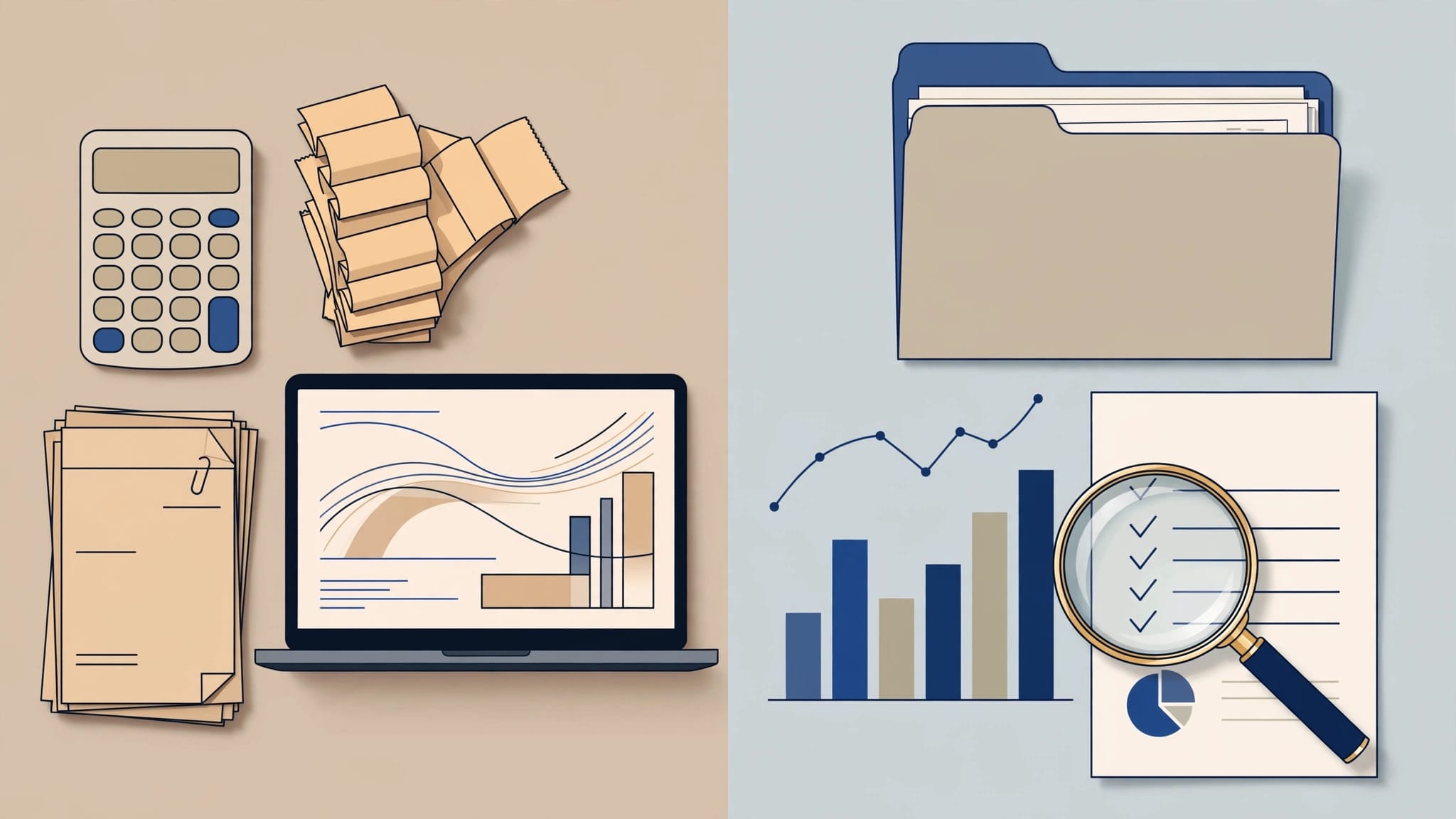
QuickBooks Online records a sale very differently depending on when you get paid. That choice changes cash, accounts receivable, sales tax, and how easy your bank reconciliation feels.
For Fort Myers owners, freelancers, contractors, and retailers, the difference between sales receipts vs invoices shows up in everyday work. A walk-in customer may pay right away, while a service client may owe you for 30 days.
Choosing the right form keeps your books closer to reality, so your reports tell a clear story. Here's how each one works and when each one fits best.
What sales receipts and invoices do in QuickBooks Online
A sales receipt is for money received now. An invoice is for money expected later. That simple split changes the way QuickBooks Online posts the transaction.
If you're setting up QuickBooks for the first time, getting this rule right early matters. A QuickBooks setup checklist for small businesses helps you build the file before the month gets busy.
A quick side-by-side view makes the difference easier to spot.
| Feature | Sales Receipt | Invoice |
|---|---|---|
| Payment timing | Paid at the time of sale | Paid later |
| Accounts receivable | No A/R balance | Creates A/R until paid |
| Best fit | Retail, on-the-spot services, prepaid work | Net 30 jobs, estimates turned into bills, deposits |
| Payment flow in QBO | Sale and payment are recorded together | Invoice first, then Receive Payment later |
| Reconciliation | Often matches bank deposits more easily | Often needs a payment entry and a deposit entry |
A sales receipt is the shorter path. An invoice gives you a receivable that tracks what a customer still owes. In other words, the right choice depends on the timing of the money, not just the type of work.

The table makes one point clear. Use the form that matches when cash actually changes hands.
When a sales receipt is the right fit
Sales receipts work best when the customer pays at the same time as the sale. That happens often in retail, food service, mobile service calls, and simple one-time transactions.
A Fort Myers retailer who rings up a walk-in sale should usually use a sales receipt. The customer pays by cash or card, sales tax gets collected right away, and the receipt shows the full transaction in one step. That keeps the day's sales tied to the money that came in.
This also helps when you batch card payments. If several sales settle into one bank deposit, you can use Undeposited Funds first, then group the entries into the actual deposit that hits the bank. That makes matching your bank feed much easier.
Sales receipts also work for freelancers who collect payment on the spot after a small job. For example, a photographer who gets paid the same day for a short event session can record one sales receipt instead of creating an invoice that is already paid.
The main advantage is speed. You do not create an open balance, and you do not need to chase payment later. The record in QuickBooks reflects what happened in real life, the money came in now.
That said, a sales receipt is only the right fit when payment is complete. If you still expect another payment later, move to an invoice instead.
When an invoice is the better fit
Invoices fit jobs where you bill after the work starts or after the work is done. Service businesses use them often. So do contractors, consultants, and B2B vendors who give customers time to pay.
An invoice creates accounts receivable , which means QuickBooks Online shows the amount the customer still owes. That matters on your balance sheet, and it gives you a clear aging report. If the customer still owes you money, the invoice should show that balance.
If the customer still owes you money, the invoice should show that balance.
A contractor example makes this easy to see. Suppose a Fort Myers remodeling contractor takes a deposit before starting a kitchen job. The cleanest approach is often to send an invoice for the job and record the deposit as a payment against that invoice. The remaining balance stays open in A/R until the final bill goes out.
That works well because the deposit and final payment both stay tied to the same customer job. You can see what was paid, what remains, and what still needs to be collected.
If the deposit is really a retainer for future work, the bookkeeping can change a bit. In that case, the money may need to sit in the right account until it is earned. That is one place where a clean file matters more than a quick entry.
An invoice also makes sense for a consultant who finishes a project and bills net 30. The work is complete, but the payment is not due yet. The invoice tracks the balance until the client pays.
How each transaction changes reports and reconciliation
The report impact is one of the biggest differences between the two forms. Sales receipts and invoices can both show revenue, but they do it on different timing.
On a sales receipt, QuickBooks records the sale and the payment together. That means your bank, sales report, and cash activity stay close to one another. For a cash-heavy business or a retail counter, that is a strong match.
On an invoice, QuickBooks records the customer balance first. Your reports then show money owed in A/R until you record the payment. On cash-basis reports, income shows when payment comes in. On accrual reports, the invoice can show up earlier, when it is issued.
That difference matters when you review month-end numbers. A sales receipt usually looks complete the day it is entered. An invoice can make your sales report and bank activity look out of sync until the payment arrives.
Reconciliation works the same way. Sales receipts often line up with bank deposits more easily, especially when the bank deposit mirrors one customer payment or one daily batch. Invoice workflows usually involve two steps, first Receive Payment, then Make Deposit. That is normal, but it means your bank feed has more moving parts.
A clean chart of accounts setup also helps here. When deposits, sales tax, income, and merchant fees each have the right place, your reports stay readable.
Fort Myers examples that make the choice clear
A few real-world cases make the decision easier.
Retail sale paid at the counter
A local shop sells beach gear to a customer who pays by card at checkout. A sales receipt fits because the sale is paid in full right away. If the card batch settles the next day, the transaction still belongs in the sales receipt workflow.
Contractor deposit on a project
A Fort Myers contractor signs a bathroom remodel and collects a $2,000 deposit on a $10,000 job. An invoice works well because the rest of the money is still due later. The deposit is recorded against the invoice, and the open balance stays visible until the job is finished.
Service invoice due in 30 days
A bookkeeper finishes monthly cleanup work for a client and sends an invoice due in 30 days. That invoice creates A/R and shows the amount owed. When the check or ACH payment comes in, the payment closes the invoice and then moves through the deposit process.
Each example follows the same rule. If the money is in hand now, use the sales receipt path. If the customer owes you later, use the invoice path.
Common mistakes that create confusion later
Small errors with these entries can turn into messy reports fast. The most common ones are easy to spot.
- Using a sales receipt for a job the customer still owes on hides the A/R balance.
- Sending an invoice for a walk-in sale and forgetting to record payment makes revenue look open.
- Depositing sales receipt payments one by one instead of matching the actual bank batch makes reconciliation harder.
- Mixing deposits, sales tax, and income in one account blurs the numbers and can make reports hard to trust.
If your file already has those problems, the fix starts with structure. Good setup keeps the same mistake from repeating every month.
Conclusion
The simplest rule is also the most useful one. Use a sales receipt when the customer pays now, and use an invoice when payment comes later.
That choice affects A/R, your reports, and how smooth bank reconciliation feels in QuickBooks Online. For Fort Myers businesses, the best workflow is the one that matches how money really moves, not the one that looks easiest in the moment.
When your books follow the cash flow, the numbers are easier to read and much easier to trust.