Vendor Statement Reconciliation Checklist for Fort Myers
A missed invoice can distort your accounts payable balance before you notice anything is wrong. A monthly vendor statement reconciliation helps Fort Myers small businesses compare supplier records with their own books and correct errors before they affect cash flow or financial reports.
Vendors may send statements by email, mail, or through an online portal. Each statement can contain invoices, payments, credits, and adjustments that don't appear in your accounting software yet. Use the checklist below to review those details consistently and keep your records reliable.
Key Takeaways
- Compare every vendor statement with your accounts payable ledger, not just the final balance.
- Investigate missing invoices, duplicate payments, unapplied credits, timing differences, and incorrect balances.
- Save supporting documents and record each correction with a clear explanation.
- Complete the review monthly, especially before preparing financial statements or tax records.
- Ask for bookkeeping help when unresolved differences continue across several months.
Why Fort Myers Small Businesses Need This Review
Vendor statements show what a supplier believes your business owes. Your accounting system shows what you believe you owe. Those two records should agree, but they often don't match perfectly.
A restaurant may receive food and supply invoices throughout the month. A contractor may have several material suppliers with different payment terms. A seasonal business may make larger purchases during busy periods, then receive credits or late invoices after the work is complete. Each situation creates opportunities for errors.
A statement review can catch a problem while the details are still easy to trace. Without that review, an old invoice may remain unpaid, a credit may disappear from view, or an incorrect balance may carry into your year-end books.
The process also helps you manage vendor relationships. When a supplier says your account is overdue, you can respond with payment dates, check numbers, ACH confirmations, or copies of disputed invoices. Clear records reduce unnecessary back-and-forth.
The review doesn't replace bank reconciliation. Bank reconciliation compares your books with bank activity. Vendor statement reconciliation compares your accounts payable records with the vendor's records. Both checks support accurate books, but they answer different questions.
A Vendor Statement Reconciliation Checklist for Each Month
Choose a consistent review date, such as the first week after month-end. A regular schedule works better than waiting until tax preparation or a vendor sends a past-due notice.
1. Gather complete records
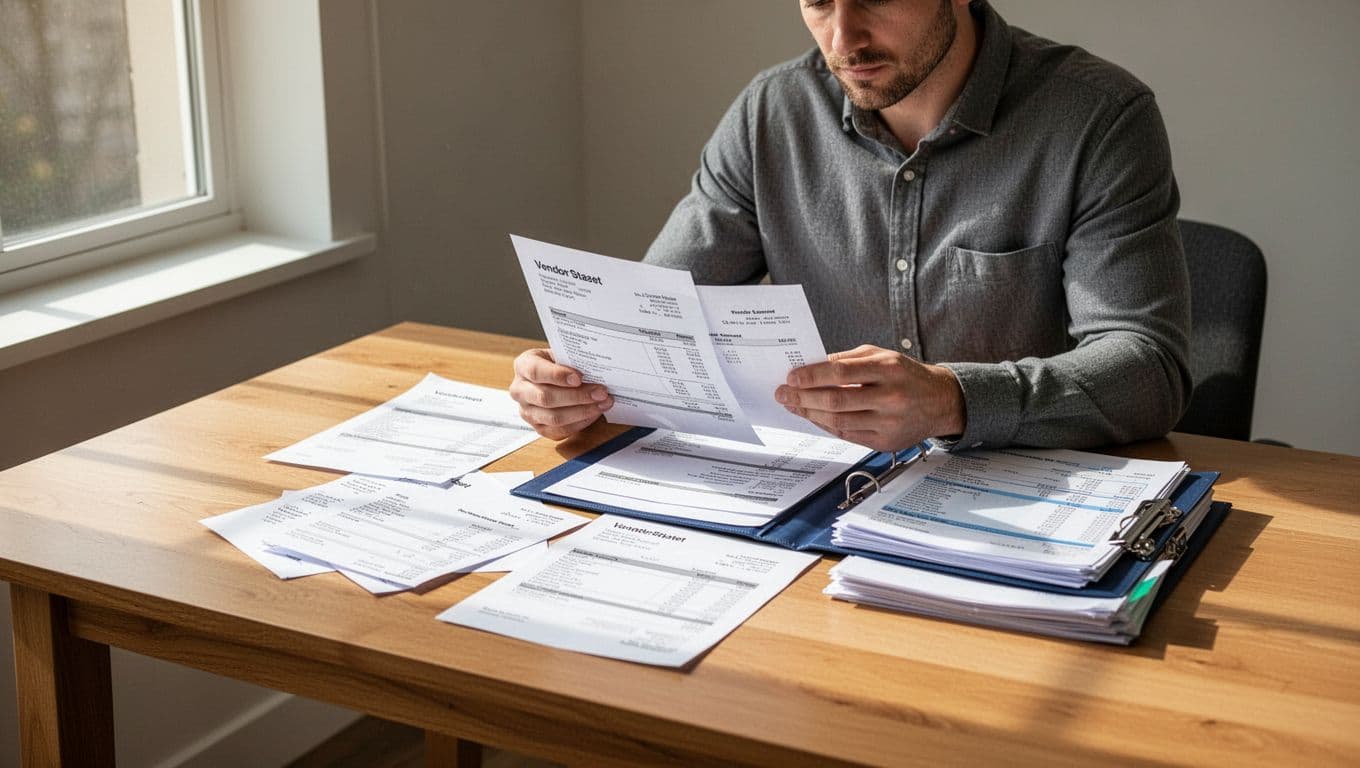
Collect the vendor statement, invoices, purchase orders if you use them, receiving records, payment confirmations, and credit memos. Pull the accounts payable detail from QuickBooks or your accounting system for the same period.
Ask the vendor for a statement ending on a clear date. A statement dated June 30 should be compared with your records through June 30, not with transactions entered in July unless those transactions relate to the earlier period.
2. Confirm the vendor account
Check the vendor name, account number, mailing address, and payment terms. Businesses sometimes create duplicate vendor profiles, such as "ABC Supply" and "ABC Supplies LLC." Duplicate profiles can split invoices and payments between two records.
If a vendor changed its legal name or billing system, keep the old and new information connected in your records. Otherwise, you may mistake a normal account migration for a missing balance.
3. Match every invoice
Compare each statement invoice with your accounts payable ledger. Match the invoice number, date, amount, purchase description, and due date.
Don't mark an invoice as cleared only because the total looks familiar. Two invoices can have similar amounts but different dates or jobs. For contractors and service businesses, connect the invoice to the customer project or expense category when possible.
4. Match payments and credits
Check each payment against your records. Record the payment date, method, reference number, and amount. A payment made by check may appear on the vendor's statement after it leaves your bank account. An ACH payment may post under a different date than the one in your books.
Review credit memos, returns, rebates, and account adjustments as well. A credit should reduce the related invoice or appear as an available credit on the vendor account. If it remains unassigned, your accounts payable balance may be too high.
5. Compare the ending balance
After matching the activity, compare the vendor's ending balance with your accounts payable balance. Recalculate the difference instead of assuming the vendor's total is correct.
Write down every unresolved item. A short reconciliation note might say, "Invoice 1842 received July 3 for June service, entered July 5," or, "Credit memo 77 not applied to invoice 1608." These notes make the next review faster and give your bookkeeper a clear starting point.
For businesses that want regular help with this process, small business bookkeeping services can include recurring account reviews and financial reporting support.
How to Fix Common Vendor Statement Discrepancies
Not every difference means someone made a serious mistake. Some differences come from normal timing. Others require a correction, a vendor call, or a payment investigation.
| Discrepancy | What you may see | What to do |
|---|---|---|
| Missing invoice | The vendor lists an invoice that isn't in your books | Request a copy, verify the purchase, and enter it with the correct invoice date and expense account |
| Duplicate payment | Your records show two payments, but the vendor applied one | Confirm both payment references and request a refund or apply the extra amount as a credit |
| Unapplied credit | The vendor account has a credit, but no invoice reflects it | Ask the vendor to apply the credit, then record the application in your system |
| Timing difference | Your payment cleared the bank, but the vendor hasn't posted it | Keep the payment in transit until the vendor confirms receipt; attach proof of payment |
| Incorrect balance | The vendor's ending balance doesn't match verified activity | Recheck opening balances, credits, fees, and prior adjustments before disputing the statement |
A missing invoice is common when a manager approves a purchase but sends the paperwork late. Request the invoice from the vendor and confirm that the goods or services were received. Don't enter an estimate as a final invoice unless your accounting process clearly labels it as an estimate.
Duplicate payments can happen when one employee pays an invoice by card while another sends a check. Search by invoice number and amount before paying a past-due balance. If the vendor received both payments, ask whether it can issue a refund or apply the extra amount to a specific open invoice.
An unapplied credit often comes from returned merchandise, an overpayment, or a pricing adjustment. The credit still belongs to your business, even if the vendor hasn't connected it to an invoice. Keep the credit memo with your reconciliation file and confirm how the vendor will use it.
Timing differences require patience and documentation. A check mailed on June 30 may not reach the vendor until July. Record the payment based on your accounting policy, then keep the payment confirmation until the vendor posts it.
For an incorrect balance , start with the last statement that matched. Compare activity forward from that point. Look for an old credit, a reversed payment, a service fee, or an invoice entered under another vendor profile. Send the vendor a concise list of disputed items with supporting documents.
Keep a Clear Reconciliation Trail
A completed reconciliation should leave evidence of what you reviewed and what you changed. Save the vendor statement, accounts payable detail, payment records, credit memos, and correspondence in one monthly folder.
Use a file name that includes the vendor and statement date, such as "ABC Supply, June 2026." If your business stores documents electronically, keep the files in a restricted folder with regular backups.
Record adjustments in the accounting system with enough detail to explain them later. For example, a corrected invoice entry should identify the original error, the vendor's confirmation, and the person who approved the change. Avoid deleting a payment or invoice without an audit note.
Your reconciliation file should answer four questions:
- Which statement did you review?
- Which items matched?
- What differences remained?
- What action resolved or followed up on each difference?
That record can help your tax preparer, bookkeeper, or manager understand why the accounts payable balance changed. It also makes future reviews less dependent on memory.
When to Get Bookkeeping Support
You may handle a few vendor accounts yourself with a spreadsheet and a consistent process. Outside help becomes useful when invoices arrive through several channels, employees make purchases, or old discrepancies keep returning.
Ask for support when you can't identify the opening balance, vendor credits remain unresolved, or your accounts payable aging report doesn't agree with supplier statements. Repeated differences may point to duplicate vendor records, incorrect payment posting, weak approval procedures, or transactions entered in the wrong accounting period.
A bookkeeping professional can also help set up vendor naming rules, invoice approval steps, document storage, and QuickBooks workflows. Meghan Sophia Tax & Accounting provides professional bookkeeping and accounting services for Fort Myers small businesses that need regular recordkeeping and financial reporting support.
The right time to fix a reconciliation problem is before it spreads into financial statements or tax records. However, correcting an old balance may require reviewing prior months instead of making one unsupported adjustment.
This article is educational and isn't tax or legal advice. Contact a qualified accounting or tax professional about your business's records, reporting requirements, and specific situation.
Conclusion
A monthly vendor statement reconciliation gives you a reliable view of what your business owes. Compare invoices, payments, credits, and dates before accepting the final balance as accurate.
When you document missing invoices, duplicate payments, unapplied credits, timing differences, and incorrect balances, small errors stay manageable. A clear review routine protects cash flow and gives your Fort Myers business books you can trust.