Build a Bookkeeping SOP Your Small Business Can Follow
A missed receipt, an uncategorized deposit, or a late bank reconciliation can turn into a tax-time problem. A clear bookkeeping SOP gives staff a shared routine, so records stay accurate even when the owner isn't reviewing every transaction.
For a small business, the goal is simple: every number should trace back to a source document, an approval, and a consistent accounting entry. The procedures below create that trail without burying your team in paperwork.
Start With the Purpose and Scope of Your Bookkeeping SOP
A standard operating procedure turns recurring financial work into documented steps. It tells staff what to do, when to do it, where to save proof, and who reviews the finished work.
Define the result each process must produce
Avoid vague directions such as "keep the books current." State the expected result instead. For example: "Record and attach support for all prior-day sales by 10 a.m. each business day."
Your bookkeeping SOP should cover the records that feed the general ledger, including:
- Customer invoices, payments, refunds, and credit memos.
- Vendor bills, receipts, reimbursements, and payment approvals.
- Payroll reports, tax deposits, and employee changes.
- Bank, credit card, loan, and payment processor activity.
- Sales tax, merchant fees, owner contributions, and draws.
The IRS expects businesses to keep records that show income, deductions, and credits. Its small-business recordkeeping guidance also stresses the need for books and supporting documents that can explain the amounts reported on a return.
Set a realistic schedule
Match the schedule to your transaction volume. A busy restaurant may need daily sales and cash close procedures. A consulting firm with a few invoices each month may review customer activity twice a week.
Still, every business needs a dependable monthly close. Waiting until year-end makes errors harder to find because staff no longer remember what happened.

Assign Roles That Protect the Business
A small team may wear several hats, but one person shouldn't control a transaction from start to finish. Segregation of duties reduces mistakes and makes intentional misuse harder to hide.
Give every task a named owner
Use job titles or named roles, rather than "staff," throughout the SOP. That removes guesswork when a deadline arrives.
| Task | Primary role | Reviewer or approver |
|---|---|---|
| Enter vendor bills and attach receipts | Bookkeeper | Office manager |
| Approve purchases and reimbursements | Owner or manager | Owner, when manager requests reimbursement |
| Receive and prepare deposits | Cashier or office assistant | Manager |
| Reconcile bank and credit card accounts | Bookkeeper | Owner or outside accountant |
| Add employees or change pay rates | Payroll administrator | Owner or designated manager |
| File financial records | Bookkeeper | Monthly reviewer |
A bookkeeper can enter a bill, but a manager should approve payment. Likewise, the person who adds a new employee should not be the only person approving a pay-rate change or bonus.
For more practical separation ideas, use this small business bookkeeping internal controls checklist alongside your written process.
Plan for absences and limits
Name a backup for every recurring task. The backup should have enough access to complete the task, but not unrestricted control over payments, payroll, and bank accounts.
Set approval limits in writing. For example, a manager may approve routine office purchases up to a stated amount, while the owner approves new vendors, owner reimbursements, loans, payroll changes, and larger expenses.
Map the Daily Flow of Money and Documents
The best bookkeeping SOP follows a transaction from its source to the bank, then into the general ledger. Staff shouldn't rely on memory or bank-feed descriptions alone.
Record sales at the gross amount
A bank deposit shows cash received. It does not always show what customers bought.
Payment platforms and delivery apps often deduct processing fees, refunds, commissions, or chargebacks before sending a payout. If staff record only the net deposit as revenue, sales appear too low and expenses disappear from the profit and loss statement.
Use a clearing account when the business receives net payouts. Record gross sales, sales tax collected, refunds, and platform fees from the payout report. Then transfer the final net amount from the clearing account to the bank.
For example, a $2,000 sales batch with $60 in card fees and a $40 customer refund should show $2,000 in sales activity, the related deductions, and a $1,900 bank deposit. The clearing account should return to zero after the deposit matches.
Handle cash, refunds, and credits consistently
Daily cash procedures need a count sheet, register report, deposit slip, and manager sign-off. If the point-of-sale system reports $1,820 in cash sales but the drawer holds $1,806, record sales at $1,820. Post the $14 difference to a cash over and short account, then investigate the cause.
Refunds also need a clear rule:
- Use a credit memo when a customer was already billed and the amount due must decrease.
- Use a refund receipt when money leaves the business through cash, check, card, or another payment method.
- Use a delayed credit when the customer will use the credit on a future invoice.
- Adjust an invoice before sending it when the original bill has not become a customer-facing record.
Attach the return record, original invoice, approval, and payment proof. A refund without support can look like an unexplained withdrawal during review.
A deposit can reconcile to the bank and still be wrong in the books if fees, refunds, taxes, or prior-period activity were hidden inside the net amount.
Write Steps Staff Can Follow Without Guessing
A useful bookkeeping SOP reads like a recipe. Each procedure should tell the staff member where to begin, what evidence to check, how to post the entry, and when to ask for help.
Use the same format for every procedure
Build each procedure with these fields:
- Task and frequency: "Reconcile operating bank account, monthly, by the 10th."
- Responsible role and reviewer: Identify who prepares and who approves.
- Required records: List the bank statement, payment processor report, invoices, receipts, or payroll register.
- Step-by-step actions: Keep each action short and in order.
- Quality check: State what must agree before the task is complete.
- Escalation rule: Explain what staff should do when a balance or transaction looks unusual.
- Storage location: Name the secure folder and file naming pattern.
For example, an accounts payable procedure might require the bookkeeper to enter the vendor bill, attach the invoice, match it to approval, select the approved expense account, and place it in a payment queue. The manager then reviews the vendor, amount, due date, coding, and support before releasing payment.
Give staff clear escalation triggers
A procedure should never tell staff to "fix" an unexplained amount. Instead, pause the transaction and report it.
Escalate items such as a new bank account request, duplicate vendor invoice, missing receipt over the business's limit, unexpected cash shortage, unfamiliar withdrawal, large journal entry, payment processor difference, or changes to employee direct deposit details.
Document the question, source records, date, and final decision. That note protects the business and teaches the next reviewer why the entry was handled that way.
Build Reconciliation and Quality-Control Checkpoints
Reconciliations compare the books with outside evidence. They catch duplicate entries, missed payments, old liabilities, and balances that looked believable until someone checked the source.
Reconcile every financial account monthly
At minimum, reconcile operating bank accounts, credit cards, loans, merchant clearing accounts, payroll liabilities, sales tax payable, and petty cash. Complete the work after statements and reports are available, then save the reconciliation report with the statement.
Review outstanding checks, uncleared deposits, and aged clearing balances. A valid timing difference needs a written explanation and a follow-up date. An old balance in a clearing account often points to an unrecorded payout, duplicated deposit, missing fee, or refund posted twice.
If payroll is part of the process, compare payroll reports and tax payment confirmations to the payroll liability accounts. This payroll liability reconciliation guide can help staff spot accounts that should have cleared.
Review reports before closing the period
The reviewer should inspect the profit and loss statement, balance sheet, accounts receivable aging, accounts payable aging, and bank reconciliation summary.
Look for income that jumps without a sales report, negative expense balances, loans posted as sales, customer deposits treated as earned revenue too early, or sales tax included in income. Also compare gross sales in the books with point-of-sale and processor reports.
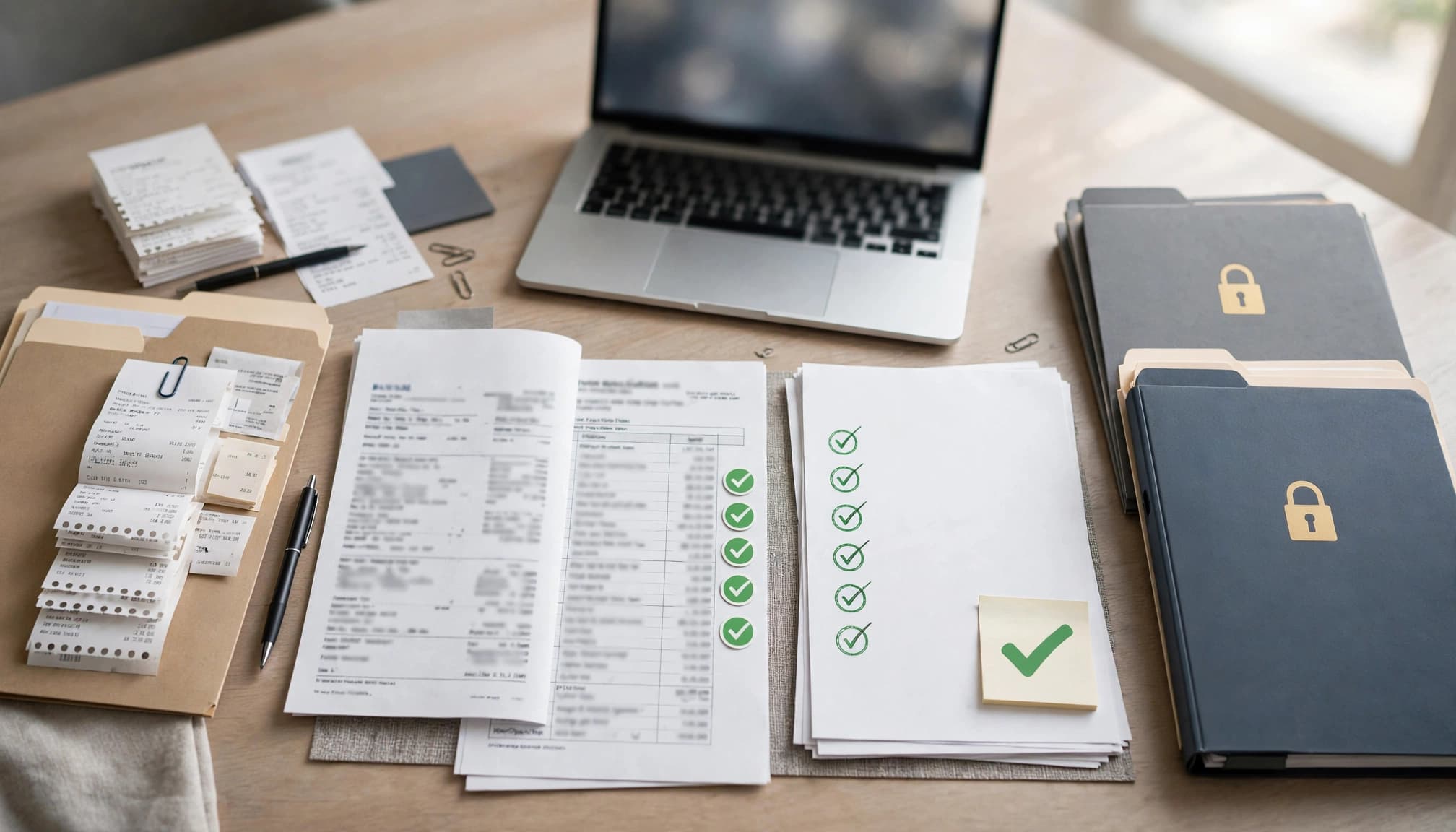
Protect Records, Access, and Tax Support
Good records need both organization and access controls. A shared inbox with no owner, password sharing, or receipts stored only on one employee's phone creates risk.
Store proof with the transaction
The IRS lists receipts, invoices, sales slips, canceled checks, deposit slips, mileage logs, and paid bills among records that support business income and expenses. Its guide to records businesses should keep is a helpful baseline when setting file requirements.
Set one secure digital storage location. Use folders by year and month, then group records by bank, sales, payroll, accounts payable, and tax filings. Use file names that include the date, vendor or customer, amount, and document type.
Staff should attach source documents to transactions in the accounting system when possible. The attachment does not replace a consistent folder structure, especially if the business later changes software.
Control access and retain records
Give each person their own login. Turn on multi-factor authentication for accounting, payroll, bank, and document-storage systems. Remove access immediately when an employee leaves or changes roles.
The IRS allows electronic records when the system preserves the information and meets the same retention standards as paper records. Publication 583 explains that records must remain available for as long as they matter for federal tax administration.
Federal retention periods vary by record and tax issue. Employment tax records generally require at least four years after the tax is due or paid, whichever is later. State tax, labor, and corporate requirements may require longer retention, so review the rules that apply to your business and location.
Train the Team and Keep the SOP Current
An SOP only works when staff use it in real situations. Train new team members with a supervised first month, then have them complete a sample reconciliation, bill entry, or daily close using test or prior-period records.
Review the procedure after real changes
Update the bookkeeping SOP when the business adds a payment processor, changes its POS system, hires employees, opens a new bank account, begins collecting sales tax in another state, or changes approval limits.
Keep a revision log with the date, change, approver, and training date. Review the entire document at least once a year, even if nothing major changed.
A short quarterly check can catch weak spots earlier. Ask whether staff can find the current procedure, identify the reviewer, locate the supporting documents, and explain the escalation path.
Build Books Your Team Can Trust
A dependable bookkeeping SOP makes financial records easier to review, easier to support, and easier to use for decisions. It also gives staff a clear boundary between routine work and transactions that need approval.
When every sale, expense, refund, payroll item, and bank balance follows the same documented path, the books become a reliable record of the business rather than a monthly cleanup project.