How to Record Gift Card Sales in QuickBooks Online
Gift cards bring cash in today, but that money is not earned revenue yet. In QuickBooks Online , the clean treatment is to book the sale as a liability first, then move it to income when the customer redeems the card. If you skip that step, your sales can look too high and your balance sheet gets out of sync.
The good news is that the workflow is simple once the accounts are set up. A gift card sale should sit in deferred revenue or a gift card liability account until the customer spends it, then it moves into sales at the right time.
Why gift card sales start as a liability
When you sell a gift card, you owe the customer goods or services later. That obligation is a liability, even though the cash is already in hand. For accounting purposes, the business has received money, but it has not earned that money yet.
That is why gift card sales should not go straight into income. If you record them as revenue on day one, your profit and loss report gets inflated. Your sales will look stronger than they really are, and month-end reports will be misleading.
A gift card sale is cash in the door, but it is not earned revenue yet.
The balance sheet handles this cleanly. Cash goes up, and a liability called Gift Card Liability, Deferred Revenue, or Unearned Revenue goes up too. Later, when the card is redeemed, the liability comes down and revenue goes up.
That distinction matters for small businesses that sell gift cards often, such as salons, spas, restaurants, retail shops, and service businesses. It also matters at tax time, because your books should match how the money actually moves through the business.
Set up a gift card liability account in QuickBooks Online
Start by creating a liability account that will hold unredeemed gift card balances. In most cases, the right account type is Other Current Liabilities . A simple name like Gift Card Liability works well.
In QuickBooks Online, go to Accounting > Chart of accounts > New . Choose the liability account type, name it clearly, and save it. If you want cleaner reporting, keep the account separate from other deferred revenue balances.
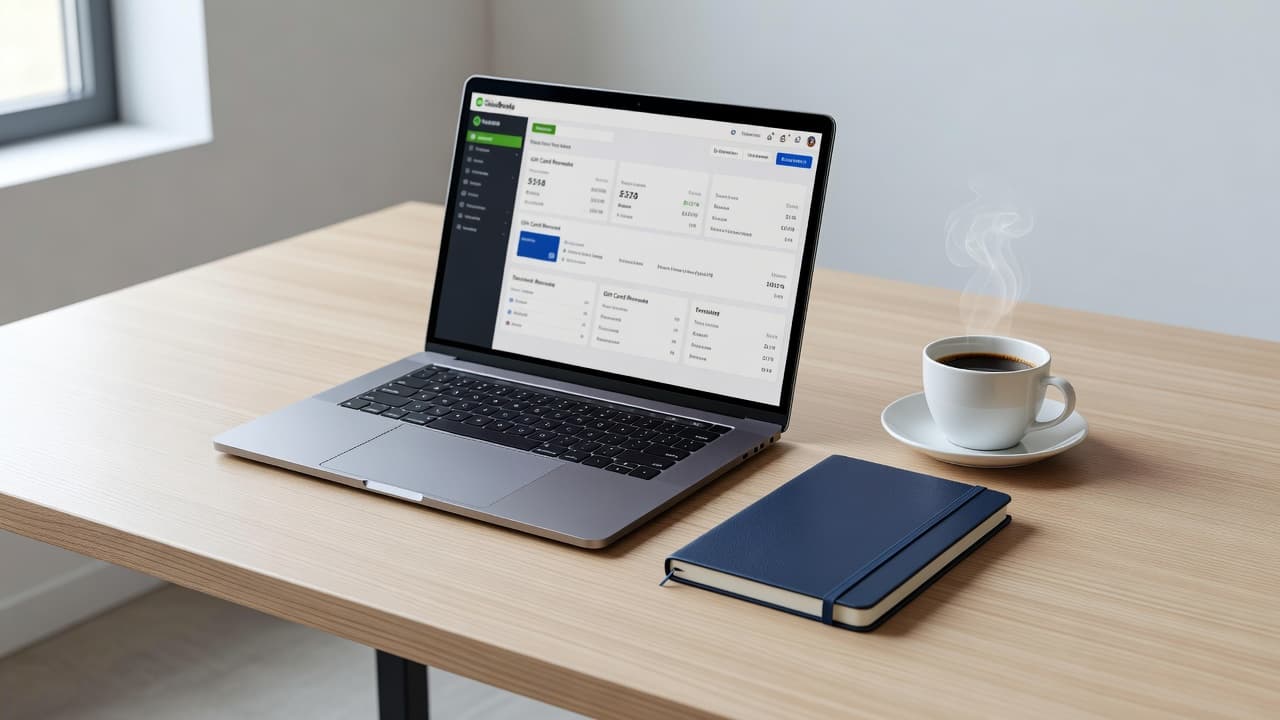
If your business uses products and services in QuickBooks Online, create a gift card item that points to the liability account instead of an income account. That keeps the sale off the profit and loss report until redemption. If your setup does not support that cleanly, a journal entry can handle the liability side.
If your file already has old gift card balances mixed into income, QuickBooks Online assistance can help clean up the setup before month-end close.
The goal is simple, the cash from the sale should increase assets, while the unearned amount sits in liabilities.
Record the sale when the gift card is sold
The sale side should be recorded on the date the card is sold, not when it is used. If a customer buys a $100 gift card today, your books should show $100 of cash or clearing balance and $100 in Gift Card Liability.
Here is the basic entry:
| Event | Debit | Credit | Result |
|---|---|---|---|
| Gift card sold | Cash or Undeposited Funds | Gift Card Liability | Cash increases, revenue stays flat |
| Gift card redeemed | Gift Card Liability | Sales income | Liability falls, revenue rises |
In QuickBooks Online, many businesses use a sales receipt for the sale. If you receive cash, the debit can go to Cash or Undeposited Funds. If the money comes in through a card processor, you may prefer a clearing account until the deposit lands in the bank.
The important part is the credit side. Do not post the sale to Sales Income, Service Income, or Product Income. That would recognize the revenue too early. Instead, connect the line to the liability account or use a journal entry that credits the liability directly.
A simple example helps. If you sell a $100 gift card in March, record $100 in the bank or clearing account and $100 in Gift Card Liability. The profit and loss report should not change yet. Only the balance sheet should move.
That setup keeps your books honest and makes redemptions much easier to track later.
Move the balance to income when the card is redeemed
When the customer spends the gift card, the accounting shifts. The business has now earned the money by delivering goods or services, so the liability drops and revenue rises.
Say a customer uses a $50 gift card to pay for a haircut. The redemption entry should debit Gift Card Liability for $50 and credit the proper income account for $50. If the purchase is larger than the card balance, split the payment between the gift card and the remaining method, such as cash, credit card, or check.
The same rule applies to partial redemptions. If a customer uses $25 from a $100 card, only $25 moves out of the liability account. The remaining $75 stays there until the rest is used.
If you track each sale and redemption carefully, the liability account should always match the total unused balances on outstanding gift cards. That makes reconciliation much easier at month-end.
Some businesses also create a separate payment method called Gift Card in QuickBooks Online. That can help with reporting, but the accounting still needs to flow through the liability account. The payment method name is less important than the bookkeeping behind it.
If you want the liability account, sales records, and monthly reconciliations handled together, small business bookkeeping services can keep the ledger clean.
Handle fees, refunds, breakage, and tax issues
Gift cards can get messy when fees, refunds, and old balances enter the picture. Merchant fees are a good example. If a card processor charges a fee on the original sale or on redemption, that fee should go to merchant fees or bank charges, not to the gift card liability account. The liability should track only the value owed to the customer.
Refunds need the same careful treatment. If you refund an unused gift card, reverse the original entry so the cash or clearing account comes down and the liability disappears. If the card was partially redeemed before the refund, only reverse the unused balance unless your refund policy says otherwise.
Breakage is more delicate. Breakage is the portion of gift card balances that you expect will never be redeemed. Some businesses want to move old balances into income, but that should never happen casually. State unclaimed property rules can apply, and the timing varies by state. Sales tax treatment can also depend on the state and on what the customer buys with the card.
Confirm state unclaimed property or escheat rules, and review tax treatment with your accountant or tax advisor before moving dormant balances into income.
A dormant balance is not the same thing as free money. It may still belong to the customer, or it may need to be reported under state law. Keep those balances on the books until you have the right guidance.
Common mistakes that distort the books
A few bookkeeping errors show up again and again with gift cards.
- Booking the sale to income right away inflates revenue before anything is earned.
- Forgetting to create a liability account leaves unredeemed balances buried in random income accounts.
- Netting merchant fees against the gift card balance makes the liability report unreliable.
- Ignoring partial redemptions leaves the remaining balance wrong.
- Writing off old balances without checking state rules can create compliance problems.
Month-end reconciliation helps a lot. Compare your QuickBooks liability balance with your gift card sales report, processor report, or point-of-sale report. The totals should agree, or at least explain the difference clearly.
If they do not match, the issue is usually one of three things: the original sale was posted to income, a redemption was missing, or a fee was mixed into the liability account. Fixing those items quickly keeps the balance sheet clean and saves time during tax prep.
Conclusion
Gift card accounting is straightforward once you remember the core rule. The sale creates a liability , and redemption creates revenue. That one distinction keeps your books accurate and stops sales from being overstated.
Set up a dedicated account in QuickBooks Online, record the sale properly, and move the balance to income only when the card is used. After that, keep an eye on fees, refunds, and state rules for old balances.
When gift card activity is tracked the right way, month-end close gets easier and your reports tell the truth.