QuickBooks Online Time Tracking for Service Businesses
Every unrecorded hour makes it harder to know whether a client, project, or employee is profitable. QuickBooks Online time tracking gives service businesses a practical record of who worked, what they worked on, and which hours can be billed.
For agencies, consultants, contractors, and professional firms, time data connects daily work to invoices, payroll, and job-cost reviews. The goal isn't to track every minute for its own sake. It's to capture reliable labor information before it disappears at the end of a busy week.
Why accurate time records protect project profit
Labor is often the largest direct cost in a service business. Yet many owners only see it as a payroll total after the work is complete. Assigning time to the right customer or project shows where the hours went while there's still time to fix a pricing or staffing issue.

Billable hours and paid hours are different
A billable hour is time you can charge under a client agreement. A paid hour is time your business owes an employee. They may match, but they often don't.
A marketing agency may bill a client for 12 hours of design work while also paying for internal project management, revisions, and a team meeting. A contractor may pay a technician for travel and jobsite setup, although the customer contract only covers labor performed on-site.
Track both categories honestly. Otherwise, an invoice can look profitable even when payroll costs have consumed the margin.
Time data exposes pricing problems early
Suppose a consultant quotes a fixed-fee implementation project for $6,000. If the team has already logged 42 hours before the final review, compare the actual labor cost with the remaining work. The project may still make money, but the margin may be far thinner than expected.
Time reports also help identify repeat issues, such as a client who requires extensive support after every deliverable. That information supports better estimates, clearer scopes, or a change-order conversation on the next engagement.
For construction and field-service work, QuickBooks Online job costing for contractors adds the related material, subcontractor, and labor-cost view.
A timesheet tells you where labor went. A project review tells you whether that labor was recovered through the price you charged.
Set Up QuickBooks Online Time Tracking Before the Week Starts
QuickBooks Online time tracking is available on certain plans, including Essentials, Plus, and Advanced. Features, labels, and access can change by subscription level and app version, so verify the options in your own account before building a process around them.
Start in Settings , then open Account and settings , choose Advanced , and look for Time tracking . Turn it on before asking staff to enter time.
Choose fields that match how you bill
Enable the Customer field when your business needs to assign work to a client. Add the Service field if you invoice different activities, such as consulting, installation, design, or maintenance.
Set the first day of the workweek to match your payroll or internal reporting cycle. If team members enter weekly timesheets, this small setting prevents confusion about where a pay period begins.
Also decide whether workers should see billing rates. Many businesses keep client-facing rates limited to owners, managers, or accounting staff. Employees usually need to know the service type and project, not the amount the client pays.
Build the records before time is entered
Create customers, projects, and service items with consistent names. "Acme Website Redesign" and "Acme redesign project" should not become separate choices for the same work.
A clean setup might include:
- A customer record for Acme Manufacturing.
- A project called Acme Manufacturing, Website Redesign.
- Service items such as Strategy, Copywriting, Web Development, and Project Management.
- A clear rule for non-billable internal time, such as Business Development or Staff Training.
This structure makes reports readable. If your file is new or disorganized, use a QuickBooks setup checklist for small businesses to confirm the accounting basics first.
Connect Workers, Customers, and Projects
A useful time entry has more than a number of hours. It identifies the worker, date, customer or project, service performed, and whether the time is billable. Missing any of those details makes later review slower.
For project-based work, add time directly to the associated project when the option is available. That keeps labor activity beside project income and direct costs instead of leaving it in a general timesheet with no job context.
Use one naming rule across the company
Agree on a simple convention before the first busy week. A consulting firm could use client name plus engagement name. A contractor could use customer name plus job address or job number. Avoid relying on abbreviations only one person understands.
For example, "Harbor View HOA, Roof Inspection" is easier to identify than "HV job." The same name should appear on estimates, invoices, vendor bills, and time entries whenever possible.
Consistent records also make it easier to track project profitability in QuickBooks Online before a job closes.
Keep billable expenses with the same project
Time is only part of the cost. Materials, mileage, subcontractor charges, permits, and travel can also affect profit. When client agreements allow reimbursement, assign those expenses to the same customer or project as the related labor.
A design firm that pays for a stock image, a contractor who buys job-specific materials, and a consultant who travels to a client site all need the cost tied to the right work. QuickBooks Online billable expense tracking helps keep those recoverable charges visible before invoicing.
Make Daily Time Entry Easy for Employees and Contractors
Daily entry is more accurate than asking people to rebuild an entire week from memory every Friday. Employees can use a single time activity for one task or a weekly timesheet for a regular schedule. Businesses that need clock-in tools, mobile job switching, or approval controls may use QuickBooks Time alongside QuickBooks Online.
Give each worker a clear deadline, such as submitting time by 10 a.m. Monday for the prior week. Then assign one person to follow up on incomplete entries before payroll or invoicing begins.
Set expectations for employees
Employees should record actual hours worked, including any paid or unpaid breaks required by your policy. They also need to choose the correct customer, project, and service each time.
Keep the instruction short: enter time daily, select the job before saving, describe work in plain language, and flag any missing project choice. A field technician might enter "Troubleshoot air handler, 2.5 hours" under the customer's service call. A consultant might enter "Prepare board presentation, 3 hours" under the active engagement.
Avoid vague notes such as "admin" when the work was actually client-related. Those entries become difficult to bill or analyze.
Treat contractor hours as a separate payment process
Independent contractors can track time when you grant suitable time-entry access and enable contractor visibility where available. However, recorded contractor hours don't automatically create a bill, expense, or payment obligation in QuickBooks Online.
Review contractor time against the contract, invoice, or approved work order. Then record the vendor bill or expense through the normal accounts payable process. This distinction matters because employee time may feed a payroll workflow, while contractor time is primarily a tracking record until you enter the payable transaction.
Worker classification also has legal and tax consequences. Don't use a timekeeping tool as the basis for deciding whether someone is an employee or contractor.
Review, Approve, and Invoice Time Each Week
Time entries are non-posting records. They don't change income, payroll expense, or cash by themselves. Your team must review and use the data in the next step.
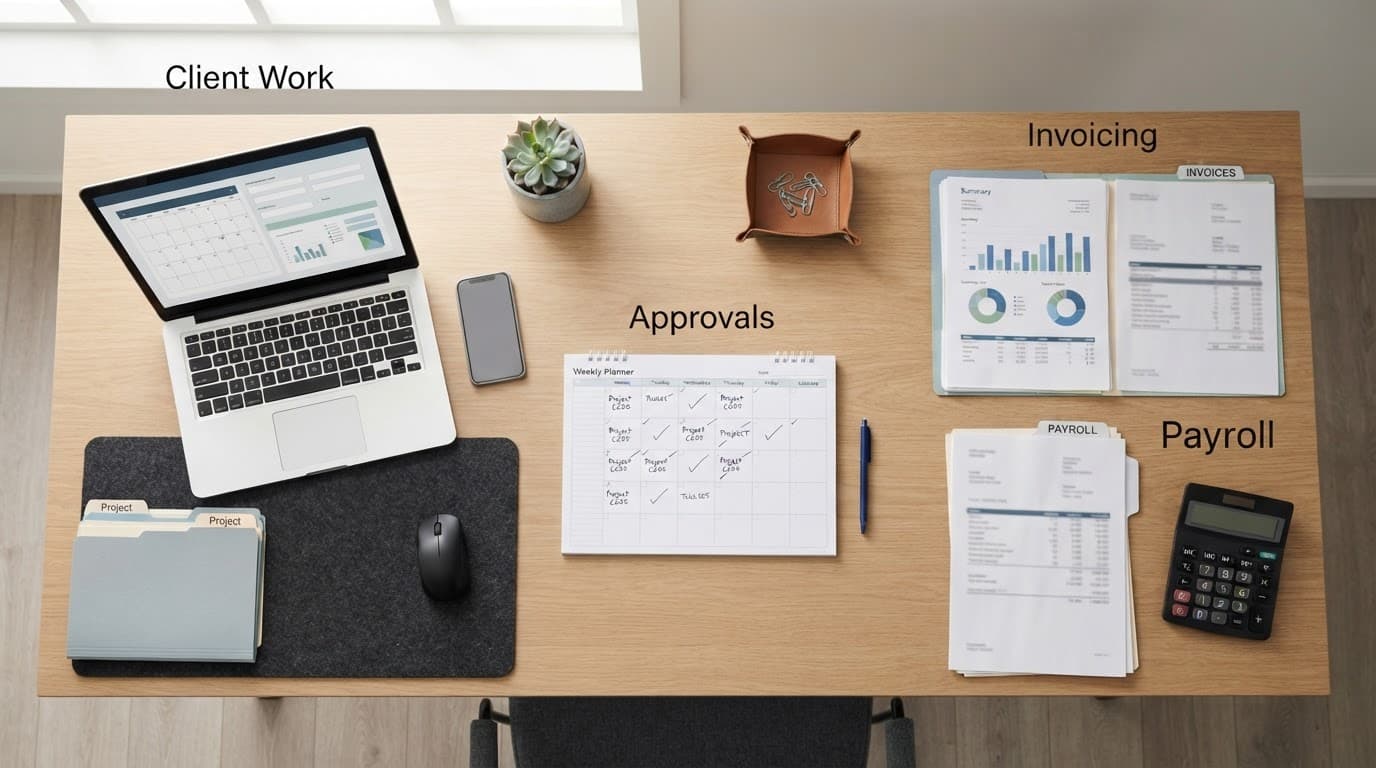
Check for missing or unusual entries
Before approving time, review hours by worker, customer, and project. Look for a full-time employee who logged only 18 hours, a project with no billable time, or an unexpected cluster of non-billable work.
The Unbilled Time report can identify work completed but not yet invoiced. Compare it with project status and your client contract. Some clients want detailed time descriptions; others receive a flat-fee invoice and only need the hours for internal profit analysis.
Resolve errors while the worker still remembers the task. Waiting until month-end often turns a five-minute correction into a guessing exercise.
Turn approved hours into accurate invoices
For hourly projects, select the approved billable time when creating the invoice. Check the service item, quantity, rate, narrative, and sales tax treatment before sending it.
A contractor may invoice labor by trade, while a consulting firm may group several time entries into one service line. Fixed-fee firms can keep time attached to the project without adding every hour to the customer invoice. The time still helps measure actual labor cost against the fixed price.
For staged jobs, progress invoicing for contractors can match billing to completed milestones instead of waiting for the final invoice.
Link Time Tracking to Payroll and Recordkeeping
Employee timesheets can support payroll preparation, depending on your QuickBooks Payroll setup and permissions. Review approved time before processing payroll, then compare wage hours with the payroll register. Don't assume an entered timesheet has automatically been included in a paycheck.
Reconcile payroll after each pay run
Match regular hours, overtime, paid time off, and deductions to payroll records. If your business has more than a few employees, use the same pay-period cutoff for supervisors, payroll staff, and bookkeepers.
A payroll error can affect more than cash flow. It can also create incorrect wage expense and payroll-tax balances. A regular QuickBooks payroll liability reconciliation review helps catch those issues before month-end.
The IRS says employers must keep employment tax records for at least four years after the tax is due or paid, whichever is later. Keep approved timesheets, payroll reports, and supporting records with your employment tax recordkeeping documents.
Keep a record you can explain
The IRS expects businesses to maintain records that support income and expense items on tax returns. Its business recordkeeping guidance is a useful reminder that records must be available if a return is examined.
Save supporting documents according to your retention policy. That may include client contracts, approved change orders, contractor invoices, payroll registers, and project reports. Time entries alone won't prove every charge, but they strengthen the story behind labor costs and client billing.
A Concise Weekly Implementation Checklist
Set one weekly rhythm and keep it consistent:
- Require employees and contractors to enter time daily against the right customer, project, and service.
- Review missing, duplicate, non-billable, and unusual entries at the end of each week.
- Approve employee time before payroll, then compare approved hours with the payroll register.
- Review unbilled client time and related expenses before creating invoices.
- Check project income, labor cost, open invoices, and unpaid vendor bills before month-end.
- Correct naming or coding problems before they spread across future jobs.
Build a Clearer View of Each Job
Reliable time records turn project work into information you can use. They show which clients consume extra labor, which services are priced too low, and which completed work still needs an invoice.
QuickBooks Online time tracking works best when the process is simple enough for people to follow every day. Set clear rules, review entries promptly, and connect the approved hours to billing, payroll, and project reports.