QuickBooks Online Cash Over Short for Fort Myers Retailers
A busy retail drawer rarely lands on the exact penny. One day it is a little short, the next day it is a little over, and neither one should distort your sales numbers.
A QuickBooks Online cash over short setup gives those differences their own place in the books. That matters for Fort Myers retailers who count tills every day, compare deposits, and want clean reports without extra accounting noise.
Why drawer differences need their own account
A cash shortage is not missing sales. A cash overage is not extra revenue. Those differences come from the register process, not from what customers bought.
That is why the cash drawer should have its own tracking spot in QuickBooks Online. If you fold shortages into sales, your revenue can look higher than it should. If you hide overages inside deposits, the cash balance can get hard to trust.
A clean chart of accounts helps here. A setup like accounting system setup for new businesses makes it easier to place cash differences where they belong from the start.
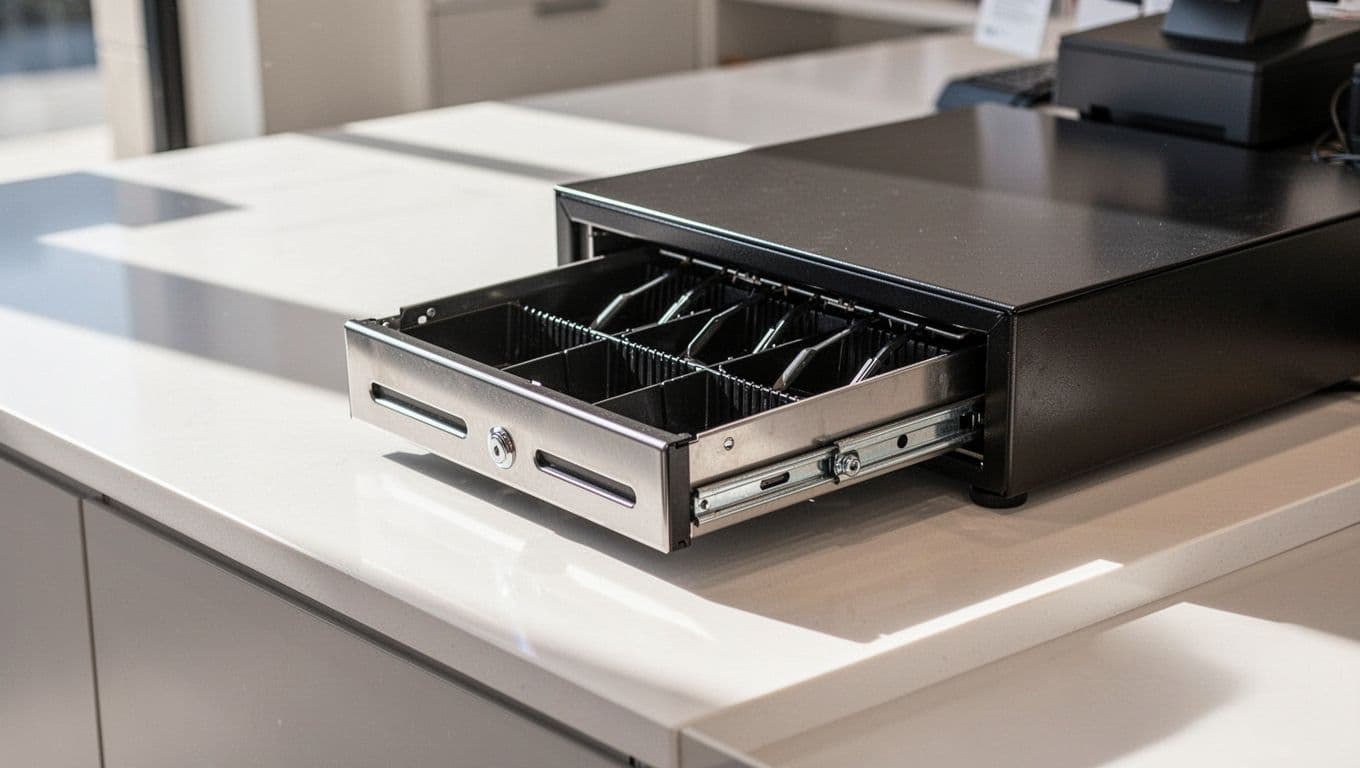
Use this quick comparison when staff members ask where a number belongs.
| Item | What it means | QuickBooks Online treatment |
|---|---|---|
| Sales income | Money earned from merchandise sold | Record it as revenue |
| Cash shortage | Drawer has less cash than expected | Post it to cash over short |
| Cash overage | Drawer has more cash than expected | Post it to the same account, using the sign your file uses |
That separation keeps sales clean and makes drawer issues easier to spot later.
Record the sale first, then book the drawer difference separately. That keeps the revenue line honest.
Cash differences also come from normal retail moments. A cashier may make change from the wrong bill. A receipt may get voided after cash is counted. A manager may remove cash for a supply run and forget to note it. The account does not solve those problems, but it gives you a clear trail.
Set up cash over short in QuickBooks Online
The setup is simple once you know where to look. Start in the Chart of Accounts and create one account that only handles drawer differences.
- Open Chart of Accounts in QuickBooks Online.
- Select New .
- Name the account Cash Over and Short .
- Choose an Expense -type account, unless your bookkeeper wants it placed differently.
- Save it and use it only for register discrepancies.
If your QuickBooks file already feels messy, QuickBooks assistance for small businesses can help you clean up the structure before you start posting daily differences.
Keep this account separate from sales, deposits, and owner draws. That makes it easier to see the real reason a drawer was off. It also keeps a month-end review from turning into a guessing game.
A few setup habits help even more. Give the account a clear name. Use one method every day. Add a short memo on each entry with the date, store, and shift. Those notes matter when you need to trace a pattern.
For a fresh file, a QuickBooks setup checklist for new small businesses can help you line up the basics before the first deposit hits the bank.
Record shortages and overages during the daily close
The daily close is where the setup pays off. Count the cash drawer, compare it to the register report, and post the difference right away.
Say your POS shows $1,820 in cash sales for the day. If the drawer counts at $1,806, you still record the $1,820 as sales income. The $14 difference is a cash shortage , so it goes to the cash over short account.
If the drawer counts at $1,827 instead, the sales stay at $1,820. The extra $7 is a cash overage , and it goes to the same account with the opposite treatment your file uses.
That separation matters because sales income should match what customers bought. Cash over short should match what the drawer did not match. Those are different problems.
Three common retail examples come up often:
- A cashier gives back the wrong change, and the till is $9 short.
- A bill gets left in the cash tray, and the drawer is $6 over.
- A shift ends with a shortage after an unrecorded refund or cash pull.
In each case, the sales number stays the same. Only the drawer difference moves.
Keep the paper trail simple. Save the POS report, the cash count sheet, and any note about why the drawer was off. If the same register keeps running short on Friday nights, you will spot it faster when the entries are consistent.
Keep the process steady across shifts
Retail stores run smoother when every shift follows the same rule. The opener counts the starting drawer. The closer counts the ending drawer. The manager compares both numbers against the sales report.
That habit matters in Fort Myers shops with split shifts, seasonal traffic, or multiple cashiers. A one-time error is easy to find. A repeat pattern is the one that costs time.
Train staff to treat cash over short as a reporting line, not a mystery box. They do not need to explain every difference on the spot. They do need to count carefully, note unusual events, and hand off the drawer cleanly.
When the process feels inconsistent, a file review can help. The right setup keeps your records useful when you need to review margins, deposits, and cash handling later.
Conclusion
A drawer that is a few dollars off does not mean your books are broken. It means the cash count and the sales report need to stay separate.
When you set up cash over short correctly in QuickBooks Online, you protect your revenue line and make daily closeouts easier to trust. For Fort Myers retailers, that clean split turns routine register differences into useful information instead of noise.
Keep the account simple, use it every day, and train every shift to follow the same process. That small habit can save a lot of confusion at month-end.