QuickBooks Online Assemblies: What to Set Up Instead
You can track boards, brackets, and finished stools in QuickBooks Online, but you can't click a native "Build Assembly" button to turn one into the other. That's the central challenge with QuickBooks Online assemblies for small manufacturers: inventory tracking and manufacturing builds are different features.
If you make products in Fort Myers or elsewhere in Southwest Florida, you still need reliable counts and costs. Start by separating what QuickBooks Online can record from the production activity you must track another way.
QuickBooks Online assemblies: what the software supports
QuickBooks Online tracks inventory items bought and sold. It doesn't have a native bill of materials or assembly-build transaction that reduces component quantities and increases finished-good quantities in one step.
Inventory items aren't production builds
An inventory item can have a SKU, quantity on hand, purchase cost, sales price, and linked accounting accounts. That's useful for materials you count and products you sell. However, creating a finished-good item doesn't tell QuickBooks which materials went into it.
QuickBooks Desktop has an Inventory Assembly workflow in supported editions. Instructions for Desktop's "Build Assemblies" feature don't apply to QuickBooks Online.
Bundles group sales, not production
A QuickBooks Online bundle places several items together on a sales form. If its components are tracked inventory items, selling the bundle can reduce their quantities. The bundle itself has no separate finished-goods quantity or production cost.
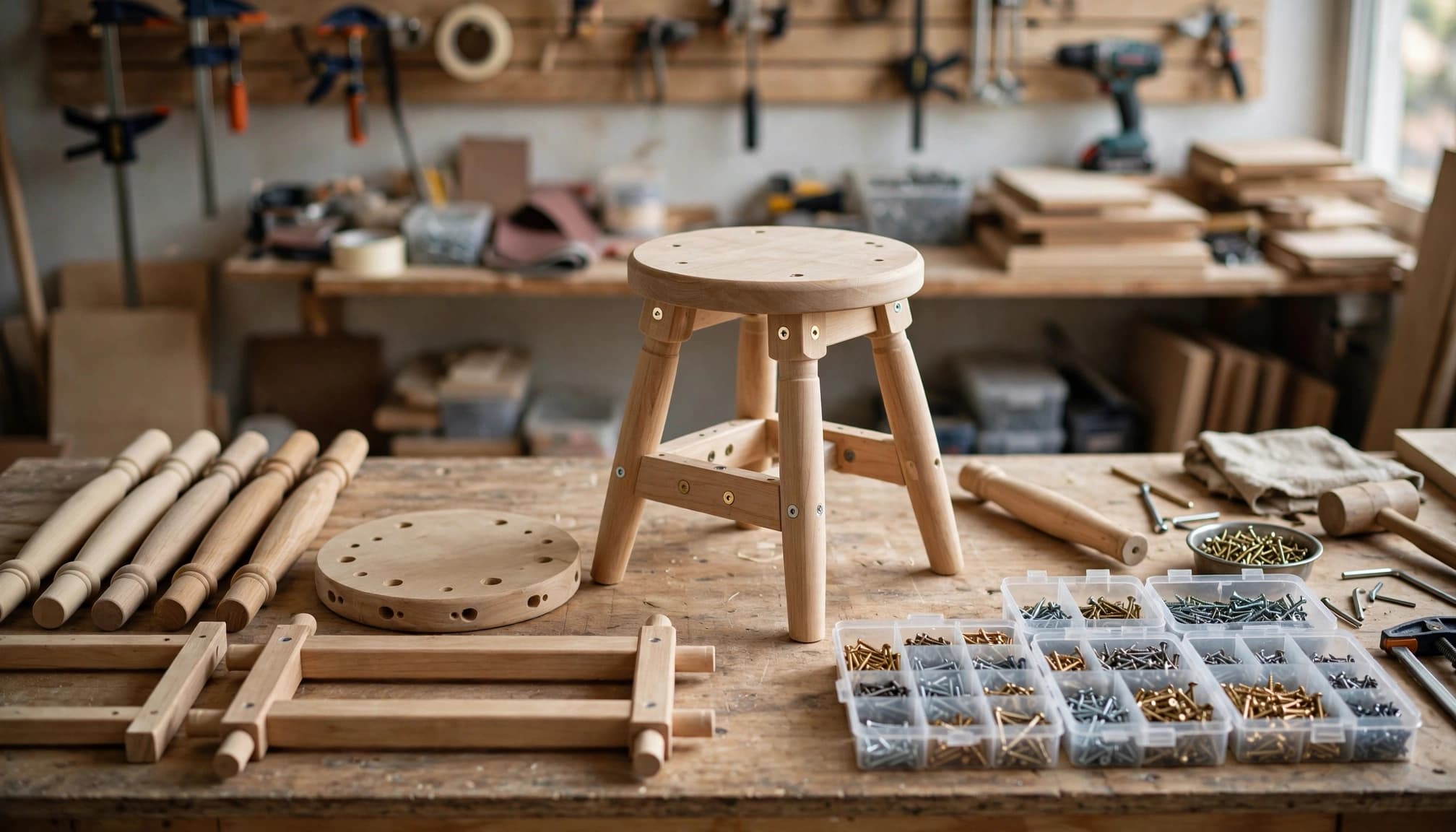
That distinction matters if you assemble 40 stools on Monday but sell only five on Friday. A bundle won't record the 40 completed stools or show that their materials were consumed on Monday.
Turn on the inventory features you can use
QuickBooks Online Plus and Advanced include standard inventory tracking. Simple Start and Essentials don't include that standard feature; check current plan and add-on availability before changing subscriptions. Inventory features and menus can change, so confirm what appears in your own company file.
Check settings and access
In QuickBooks Online, open Settings , then Account and settings . Under Sales , find the Products and services settings and turn on inventory quantity tracking if your plan offers it. Confirm that the staff responsible for item setup have the right permissions.
Before entering stock, settle on one consistent SKU for each material and finished product. A QuickBooks setup checklist for small businesses can help you establish opening balances and accounts before daily transactions begin.
Confirm what the reports will measure
QuickBooks Online uses FIFO, or first in, first out, for tracked inventory costs. Its inventory reports can show item quantities and values, but they don't provide a production schedule, work orders, or shop-floor status.
Treat the Inventory Valuation Summary as an accounting check, not a list of units currently moving through your workshop. Those unfinished units need their own tracking process.
Set up materials and finished goods as separate items
Begin in Products and services . Create a tracked inventory item for each material whose quantity and value you need to monitor. Then create a separate finished-good item for each product you stock and sell. Our guide to setting up QuickBooks products and services covers the item choices in more detail.
Make component records precise
For each component, enter a recognizable name or SKU, the appropriate purchase information, and its opening quantity as of a documented date. Check the Inventory Asset, income, and cost of goods sold accounts associated with the items. Use the same unit throughout: mixing individual brackets with boxes of brackets will make counts unreliable.
Record later purchases against the inventory item on the appropriate purchasing transaction. Categorizing a materials purchase only as a general expense won't add units to that item's quantity on hand. A purchase order alone also isn't a substitute for recording goods received.
Give completed products their own records
A finished stool needs its own item if you count stools on a shelf and sell them by SKU. Enter its sales details, but don't assume a purchase-cost field calculates what it cost to make. QuickBooks Online won't pull boards, brackets, labor, and overhead into that item automatically.
Document opening finished-goods quantities and values separately from new production. Otherwise, an opening balance can look like output from a production run that never occurred in the file.
Choose a controlled process for each production run
Before production starts, write down the recipe or bill of materials outside QuickBooks Online. For each finished unit, identify component quantities, the expected yield, and who approves substitutions or scrap. A spreadsheet may suffice for a low-volume workshop; repeat production usually calls for dedicated inventory or manufacturing software.
Record what actually happened
Give each run a batch number or other traceable reference. Record materials issued, units completed, scrap, and units still unfinished. The person maintaining QuickBooks can then match that production record to the required inventory and accounting entries.
Don't use a quantity adjustment alone as an assembly build. Reducing raw-material counts and increasing finished-good counts also requires correct values and account treatment. A quantity-only fix, or an unsupported journal entry on top of item adjustments, can distort Inventory Asset or cost of goods sold.
Test the handoff before using it at scale
Run one small batch through your proposed process. Compare the production record with component quantities, finished-good quantities, Inventory Asset, and the related transaction history. Include a partially completed unit in the test if unfinished work is common.
If an outside manufacturing system sends transactions to QuickBooks, verify exactly what it syncs. Some connections send accounting totals without item-level movements. Duplicate imports can be as damaging as missing ones.
Calculate assembly costs before judging your margin
A finished product's cost is more than its materials. Direct labor and appropriate production overhead may also belong in the amount assigned to finished goods. The treatment depends on your accounting method and circumstances, so agree on a consistent policy with your accountant.
Follow the cost through production
Consider a stool made with two boards costing $8 each and four brackets costing $1 each. Materials total $20. Add $6 of direct labor and $3 of allocated production overhead, and the example finished cost is $29.
If that stool sells for $49, gross profit is $20 only if the full $29 reaches cost of goods sold when it sells. Recording just the $20 of materials against the sale would overstate gross profit. Your actual component costs can vary by purchase date because QuickBooks Online tracks inventory using FIFO.
Keep unsold units out of current-period expense
Materials moved into production haven't necessarily been sold. Likewise, a completed stool still on the shelf is different from one delivered to a customer. Track unfinished work and finished units so costs reach the right period and account.
The IRS guidance on inventory and gross profit explains that inventory costs follow the business's accounting method. Have your tax preparer review how your books handle materials, labor, overhead, and year-end quantities before relying on a simplified costing shortcut.
Use bundles only when the sale calls for one
Bundles can work well when you sell a set of separately tracked items, such as a hardware kit containing screws and brackets. Their component quantities can flow through the sale without creating a stocked kit. Set up the individual items first, then check that the bundle lists the correct number of each.
A preassembled product with its own SKU needs a different process. Don't enter one combined purchase cost on a bundle and expect QuickBooks to value finished kits. Also, if Square, Shopify, or another sales system sends a single summary line to QuickBooks, test whether component quantities change as intended.
Reconcile quantities and values every month
A production record is only useful when it agrees with the shelf and the books. Count materials and finished products on a regular schedule, using the same cutoff date as your reports.
Investigate differences before adjusting
Compare physical counts with item-level quantities and production records. A missing receipt, an unrecorded batch, scrap, or a sale dated before its stock was available can explain a difference. Trace the first mismatch rather than adjusting every item until the totals look plausible.
When a count correction is necessary, document its date and reason. Follow a QuickBooks inventory adjustment process instead of treating routine manufacturing consumption as unexplained shrinkage.
Match inventory reports to the ledger
Review the Inventory Valuation Summary and the Inventory Asset balance using the same cutoff date. Then check cost of goods sold and gross margin for unusual swings. A finished-goods count may look right while its value is wrong.
If totals disagree, reconcile inventory to the general ledger before posting a balancing journal entry. Backdated bills, duplicate transactions, and unsupported transfers deserve investigation first.
Know when your manufacturer needs another system
QuickBooks Online can remain your accounting system while a separate application manages bills of materials, production orders, and component consumption. Before selecting one, ask for a demonstration using an actual product and a completed batch from your business.
Check how the system handles partial builds, scrap, labor, and finished-goods costs. Then verify which item quantities and values reach QuickBooks, and how you'll reconcile them. Don't assume a connection offers shop-floor planning simply because it advertises an inventory sync.
QuickBooks Desktop's assembly feature is another product-specific option, but switching accounting platforms affects access, workflows, and ongoing support. Compare the complete process before moving a company file.
Key Takeaways
- QuickBooks Online Plus and Advanced track inventory, but QuickBooks Online doesn't natively build assemblies from components.
- Bundles group items for a sale; they don't create stocked finished goods.
- Each production run needs traceable quantities and costs, followed by a check against QuickBooks inventory and ledger balances.
Frequently Asked Questions
Can I create a bill of materials in QuickBooks Online?
QuickBooks Online doesn't provide a native manufacturing bill of materials that drives assembly builds. Keep an approved component list in a controlled production record or use a manufacturing system designed to manage it.
Should I sell a finished product as a bundle?
Use a bundle when you're selling its individual components together. If you assemble and count the finished product before sale, give it its own inventory item and arrange a separate, controlled way to record production.
Will inventory adjustments calculate my finished-good cost?
Don't count on them to do so. An adjustment may change a quantity, but it doesn't perform a complete component-to-finished-goods build with labor and overhead. Review the value and accounting effect of every proposed entry.
Conclusion
The missing build button matters because a physical product must still have a traceable path through your books. Clean item records, documented production, and accurate costing give that path structure without pretending QuickBooks Online is a manufacturing system.
Set up the inventory features it supports, then test how one real batch reaches your finished-goods count and financial reports.