Fort Myers Bookkeeping Monthly Close Checklist For Small Businesses
If your books feel "fine" until tax time, your monthly close probably isn't tight enough. A clean close turns a messy pile of charges, deposits, and receipts into numbers you can trust.
For many local owners, Fort Myers bookkeeping has one big goal each month: know your cash position, know your profit, and keep proof for every major number. That way you can price jobs, order inventory, and pay yourself without guessing.
The checklist below is built for service businesses, retail shops, and contractors who want accurate reports and audit-ready files, without spending all weekend on it.
What a "good close" looks like for Fort Myers small businesses
 An owner reviewing month-end reports and statements, created with AI.
A monthly close is like locking the doors at night. You're not "doing more accounting." You're confirming the day's activity is real, complete, and filed where you can find it later.
In Fort Myers, the close matters even more because cash flow can swing with seasonality. Busy months can hide problems, and slow months can create panic if you don't see the numbers early.
A solid close also keeps your tax prep smoother. When your categories are consistent and your support docs are organized, you spend less time re-building history later. If your process is still a bit DIY, getting help from a local team that offers small business bookkeeping Fort Myers can keep things accurate while you stay focused on running the business.
Use this rule of thumb: by day 10 of the next month, you should have reconciled accounts, reviewed key reports, and saved a "close packet" for that month.
The month-end close checklist (small business friendly)
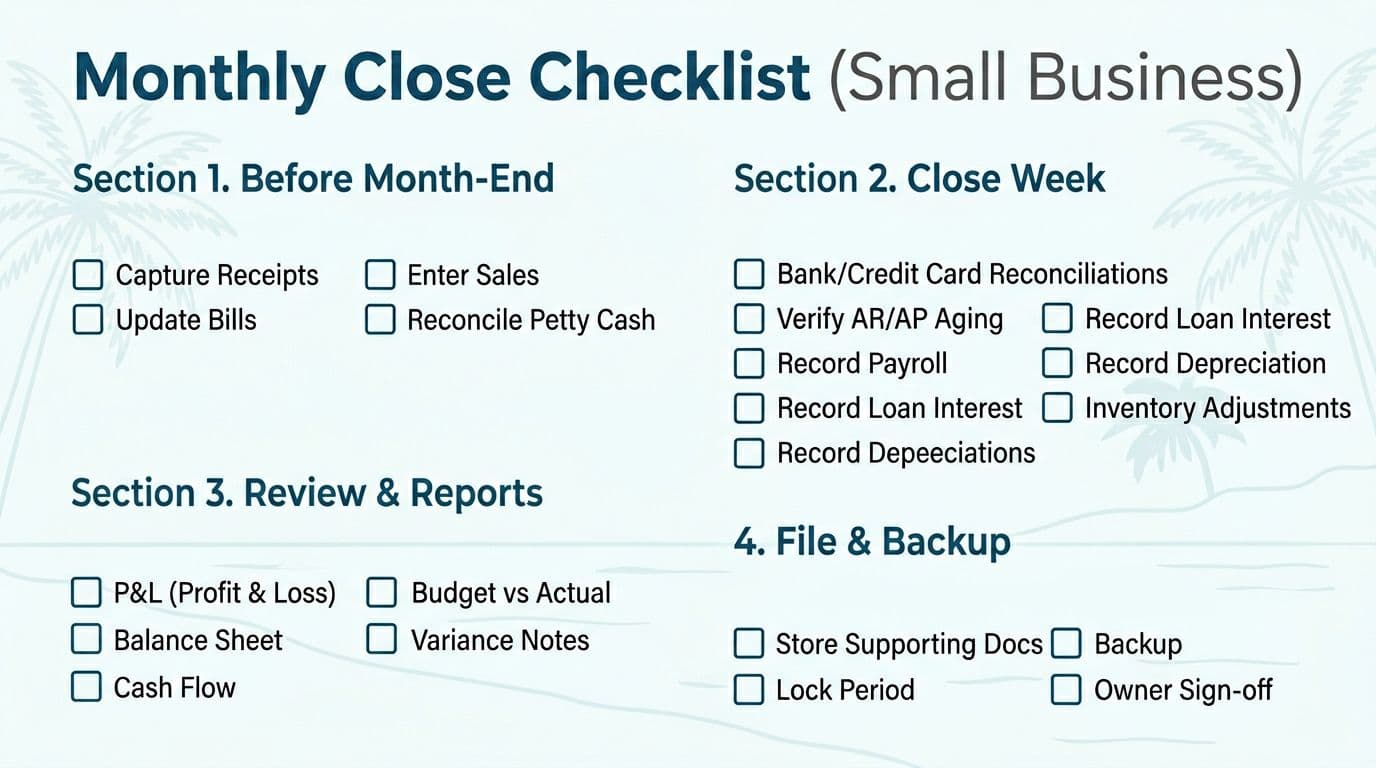 Printable monthly close checklist layout, created with AI.
Before the tasks, set a target close date. This keeps the month from dragging on forever.
Here's a simple timeline many small businesses can follow:
| Close window | Target day | Main outcome |
|---|---|---|
| Prep (before month-end) | Ongoing | All transactions captured and categorized |
| Reconcile + post | Days 1 to 5 | Books match banks, cards, payroll, and loan activity |
| Review + lock | Days 6 to 10 | Owner review complete, support saved, period locked |
Before the last day of the month (prep work that saves hours)
Most month-end stress comes from missing paperwork, not "hard accounting."
- Capture receipts weekly : Upload or file them by vendor and month, not in a shoebox.
- Enter bills as they arrive : Don't wait until they're due, because you'll forget what they were for.
- Record all sales consistently : Match POS or invoicing totals to deposits, and note any timing differences.
- Review uncategorized transactions : Clear the holding bucket before it becomes a landfill.
- Track petty cash : If you use it for job supplies, reconcile it like a mini bank account.
Close week (days 1 to 5): reconcile, then adjust
Reconciliations are the heart of a clean close. If you skip them, reports become opinions.
- Reconcile every bank account : Operating, savings, merchant accounts, and any money market accounts.
- Reconcile each credit card : Confirm payments, fees, refunds, and employee charges.
- Tie out accounts receivable (A/R) : Verify your open invoices list is real, and remove old items that were paid outside the system.
- Tie out accounts payable (A/P) : Make sure vendor balances match statements and you didn't miss a bill.
- Post payroll correctly : Record gross wages, employer taxes, and benefits. If payroll always causes rework, consider support like Fort Myers business payroll and taxes.
- Record loan activity : Split payments between principal and interest, then confirm the ending loan balance.
- Update inventory or job costs (if used) : Adjust for shrink, returns, and materials used but not yet billed.
If your bank reconciliation doesn't match, stop and fix it before running reports. Otherwise, every "answer" you get will lead to the wrong decision.
Days 6 to 10: review, lock, and build your Month-End Close Packet
This is where you turn bookkeeping into something you can defend later.
Month-End Close Packet (mini-template)
Save these items in one folder named like 2026-01 Close
:
- Final reconciliations (PDF or reports) for banks and credit cards
- Profit & loss and balance sheet (final versions)
- A/R aging and A/P aging
- Payroll summary (register and tax summary, as available)
- Loan statements and any key vendor statements
- Variance notes (one page is enough), what changed and why
After you save the packet, lock the period in your accounting software if possible. If you can't lock it, write down the final totals and keep them with the packet so later edits don't quietly rewrite history.
Internal controls that prevent surprises (even with a small team)
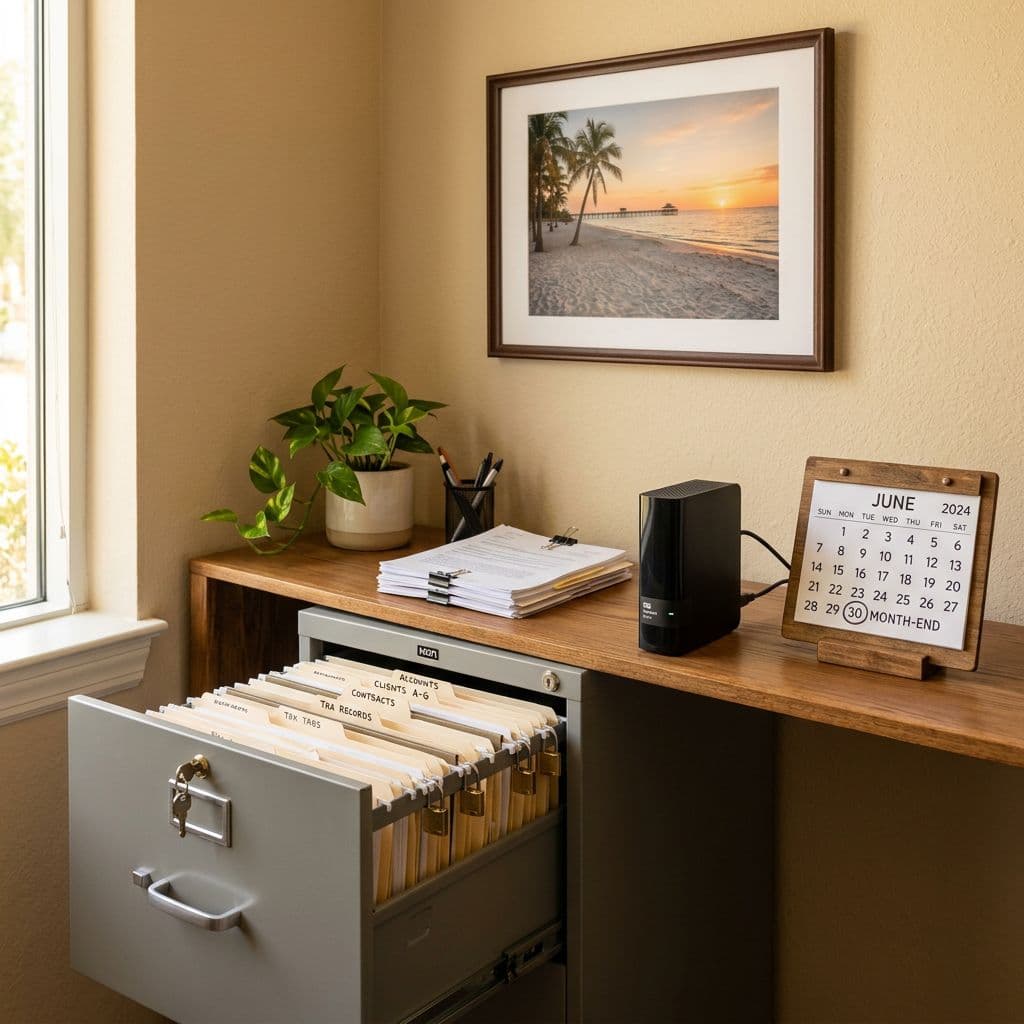 Organized physical and digital recordkeeping setup, created with AI.
You don't need a corporate accounting department to have real controls. You just need clear roles, approvals, and limits.
Start with separation of duties, even if it's light:
- One person enters bills , another person approves payments .
- One person makes deposits , another person reviews bank activity monthly.
- Employees who use cards can submit receipts, but they shouldn't edit categories after approval.
Next, set permissions:
- Limit who can add vendors , change bank feeds , and edit closed months .
- Require an owner or manager to approve write-offs, refunds, and large journal entries.
Finally, document decisions. A short note like "Reclassified fuel to COGS for job XYZ" can save hours later. It also helps if you ever need to explain records during financing, a partner review, or an IRS question. For recordkeeping basics, keep the IRS guidance bookmarked on what records small businesses should keep.
The 5 reports owners should review every month (and what to look for)
You don't need to read every line item. You do need to spot the story.
Use this table as your owner review guide:
| Report | What to scan | One action to take |
|---|---|---|
| Profit & loss | Big swings in sales or key expenses | Add a short variance note |
| Balance sheet | Cash, credit cards, loans, A/R, A/P | Question anything "stuck" month to month |
| Cash flow summary | Cash in, cash out, owner draws | Plan timing of bills and payroll |
| A/R aging | Old invoices and short pays | Assign follow-up dates |
| Budget vs actual (if used) | Misses in revenue or labor | Adjust pricing, staffing, or spend |
Also confirm your accounting period is consistent. The IRS explains how accounting periods work in Publication 538 on accounting periods and methods. You don't need to memorize it, but it's useful when deciding how to treat certain timing items.
If your monthly close connects directly to tax filings, it helps to align bookkeeping with your filing plan early. Support with business tax returns Fort Myers can keep year-end from turning into a cleanup project.
Quick FAQ for Fort Myers small businesses
How long should a month-end close take?
For many small businesses, 2 to 6 hours total is realistic once routines are set. If you're always over 10 hours, it usually points to missing receipts, unreconciled accounts, or inconsistent coding.
What's the biggest mistake owners make?
Reviewing the profit and loss without confirming reconciliations first. If cash and cards don't match statements, the P&L can mislead you.
Should I close monthly if I'm a one-person business?
Yes. Even a solo contractor benefits from clean cash numbers and organized documentation.
Which month-end numbers matter most?
Cash balance, net income, A/R aging, A/P aging, and credit card balances.
Conclusion
A monthly close doesn't have to feel like a chore that never ends. When your Fort Myers bookkeeping follows a repeatable checklist, you get clearer cash flow, fewer surprises, and records that hold up when someone asks questions. If you want help setting up a monthly close that fits your business and your schedule, a local bookkeeping partner can take the pressure off while keeping the numbers clean.