Construction Change Orders: A Job Costing Guide
A construction change order can improve a project's margin, erase it, or create a billing dispute if it never reaches the job-cost records. The practical goal is to connect the revised scope with construction change orders , direct costs, committed costs, billing, and the updated forecast.
A clean process separates proposed changes from approved work. It also keeps internal job costing separate from tax and GAAP financial reporting. That distinction helps contractors, project managers, and bookkeeping staff act on reliable numbers before the job closes.
How construction change orders affect job costing
A change order usually affects at least four parts of a job:
- The contract amount or expected revenue
- The direct-cost budget
- The costs already committed or incurred
- The projected cost and profit at completion
Suppose a customer approves additional electrical work. The estimate should capture the added sales price, labor hours, materials, subcontractor charges, permits, and any related equipment or delivery costs. The project report should then show whether those costs remain within the revised allowance.
The change belongs in the project record, not only in a text message, email folder, or field notebook. When the scope changes but the estimate and billing records stay the same, the job can appear profitable while the company absorbs extra labor and materials.

For Fort Myers and Southwest Florida contractors, weather delays, supplier changes, inspection requirements, and concealed site conditions can all create additional work. A project review should show the original budget, approved revisions, actual costs, open commitments, and the latest expected margin.
QuickBooks Online job costing for contractors can help contractors keep labor, materials, subcontractors, equipment, and change orders connected to the same job.
Classify each change order by status
The accounting treatment starts with the change order's status. A proposed request, an approved change, and a billed change do not carry the same level of certainty.
Proposed or pending changes
A proposed change is work that someone has requested but the customer has not properly authorized. Track it in a pending-change log with the scope, estimated price, expected cost, date submitted, and approval status.
Do not automatically add a pending request to contract revenue or the official job budget. However, record direct costs when they occur. If a crew performs work before approval, those costs still affect the job, even if the customer later refuses payment.
A pending request can also affect the cost-to-complete estimate. Project managers should flag the potential exposure without treating the related revenue as secured.
Approved, accepted, and billed changes
An approved change should have support under the contract, such as a signed change order, written authorization, or another valid approval method. Update the estimate or contract schedule, add the related cost codes, and communicate the change to the crew and accounting staff.
Approval and billing are separate events. The work may be approved but not yet invoiced. The invoice may be issued but unpaid. Keep those statuses visible so the project report does not confuse earned work with cash collected.
| Status | Job-cost action | Billing action |
|---|---|---|
| Proposed | Track separately and monitor exposure | Do not bill unless the contract allows it |
| Approved | Update budget, scope, and forecast | Bill according to contract terms |
| Billed | Keep costs and revenue tied to the job | Track receivable, retainage, and payment |
| Paid | Reconcile the project records | Match payment to the correct invoice |
Build a repeatable change order workflow
A consistent workflow prevents a field decision from becoming a bookkeeping surprise weeks later.
Preserve the authorization and scope
Save the signed document, revised drawings, pricing support, emails, and approval date in the job file. The description should explain what changed and where the work applies.
Clear descriptions reduce disputes. "Add 24 linear feet of block wall at the east property line" gives the crew and accounting team more useful information than "extra masonry."
Review the contract before relying on an email or verbal instruction. Some agreements require a specific form, written notice, owner approval, or a documented price adjustment before the contractor can recover the cost.
Update the estimate and project budget
Add the new revenue and cost lines to the project record before work progresses too far. Use the same job name and project identifier on time entries, purchase orders, vendor bills, credit card charges, and invoices.
When the change affects several cost categories, split them clearly. Labor, materials, subcontractors, permits, equipment, and disposal fees should not disappear into one general line. This makes the revised margin easier to review.
QuickBooks can support the workflow when the file is configured for the contractor's needs. The correct platform and setup depend on the company's project reports, payroll process, retainage, and billing requirements, as discussed in this QuickBooks Desktop versus Online comparison.
Update costs and forecasts as work happens
An approved change is only useful when the cost records keep pace with the field work.
Separate direct, committed, and actual costs
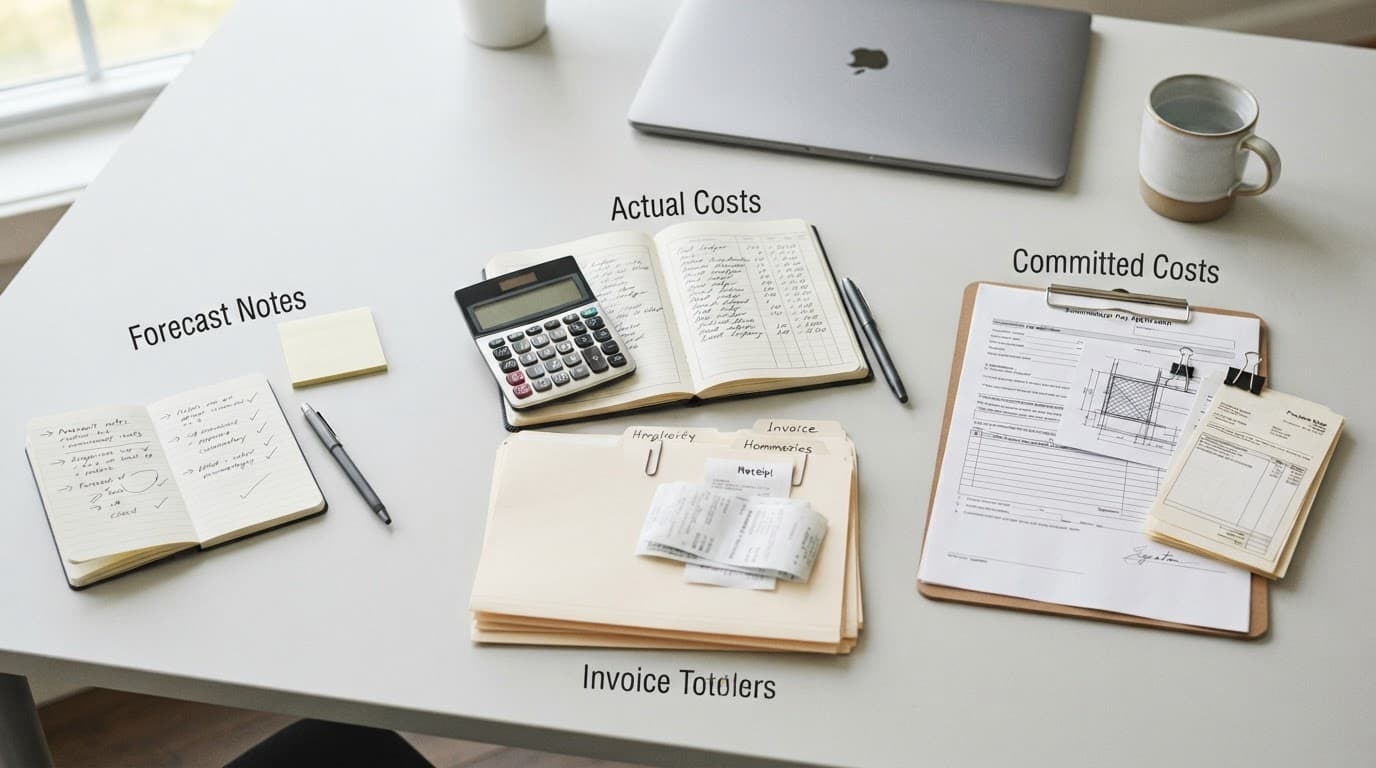
Direct costs are tied to the job, such as crew labor, job-specific materials, subcontractor invoices, permits, and equipment used for the work. Actual costs are transactions already recorded. Committed costs are obligations the company expects to pay, such as an approved purchase order or subcontract agreement that has not yet been billed.
Keep committed costs visible without treating them as paid expenses. Otherwise, the project may look profitable until vendor bills arrive.
Require workers to enter time by project each day. Code supplier receipts and subcontractor bills to the correct job as soon as they arrive. If one receipt covers several projects, split it rather than charging the entire amount to one customer.
Vehicle, fuel, and delivery costs need judgment. Assign a cost directly only when the records support the connection. General overhead should not be forced into a project simply to make the job report look complete.
Recalculate cost to complete
After posting the change, ask what remains to be spent. The revised estimate should include actual costs to date, open commitments, and a realistic forecast for unfinished work.
The basic calculation is:
Estimated total cost = actual cost to date + committed cost + remaining cost to complete
Then compare the estimated total cost with the revised contract value. If a change adds revenue but requires more labor hours than expected, the projected margin may fall even though the contract price increased.
Numerical example: measuring the effect on profit
Assume a remodeling contract starts at $100,000 with estimated total costs of $80,000. The original projected gross profit is $20,000, or 20%.
The customer then approves a $12,000 change order. The added work is expected to cost $7,000:
- Revised contract value: $112,000
- Revised estimated total cost: $87,000
- Revised projected gross profit: $25,000
- Revised projected gross margin: about 22.3%
The project team has already committed $4,000 for a subcontractor and recorded $3,000 in materials. The remaining expected cost is $0 if those amounts cover the full $7,000 change cost. If another $2,000 of labor remains, the revised forecast becomes $89,000 and projected profit falls to $23,000.
If the customer has not approved the $12,000 request, keep the revenue out of the official contract value. Still track the $3,000 material cost and any labor already performed as project costs. That exposes the amount at risk instead of hiding it.
Connect changes to billing and revenue
Billing should follow the contract's payment terms, not merely the date someone updates a spreadsheet. An approved change may be billed immediately, included in the next progress invoice, or held until a milestone is complete.
Progress billing can use a fixed amount, a percentage of the revised estimate, or selected line items. The invoice should identify the added scope and show how it relates to the approved change. If the contract permits retainage, keep the holdback separate from ordinary billed and collected amounts.
QuickBooks progress invoicing for contractors provides related guidance on connecting estimates, staged invoices, payments, and open balances.
An invoice is not automatically revenue under every accounting method. Internal job costing often needs a practical view of earned work and expected margin. GAAP reporting requires the company to apply its revenue recognition policy to the contract and modification. Depending on the facts, the modification may change the existing contract, create a separate contract, or require a revised measure of progress.
Review whether the change is enforceable, whether the added work is distinct, and whether the price reflects the work performed. A CPA should evaluate unusual terms, disputed amounts, claims, unapproved work, and changes that affect a long-term contract.
Customer retainage also needs attention. A project can show earned revenue while cash remains withheld. Keep customer retainage and subcontractor retainage separate, then reconcile both to the project records and balance sheet. See this guide to QuickBooks retainage tracking for contractors for related controls.
Keep tax accounting separate from GAAP reporting
Job costing supports management decisions, but it does not decide the company's tax or GAAP treatment by itself.
For federal tax purposes, many construction projects qualify as long-term contracts when they extend beyond the tax year in which they begin. The IRS generally requires the percentage-of-completion method for long-term construction contracts, although exceptions can apply. The IRS Construction Industry Audit Technique Guide discusses contract types, percentage-of-completion, and completed-contract treatment.
The tax treatment of a change order can depend on the contract terms and the applicable rules. Under cited long-term-contract regulations, a change order may be treated as a new contract when it must be severed from the existing contract and the customer accepts it. That does not mean every change order automatically creates a new tax contract.
The IRS's current Form 8697 instructions address look-back calculations for certain long-term contracts. They also describe specific exceptions, including qualifying contracts expected to finish within two years for contractors meeting a stated gross-receipts threshold. Those details apply only when the required facts and tax-year rules fit.
Book revenue under GAAP follows a separate analysis. Do not use an IRS tax method as a substitute for the company's financial reporting policy. Maintain enough detail to reconcile job-cost reports, tax workpapers, and financial statements without forcing one report to answer every question.
Review controls before the job closes
A weekly review may suit a busy contractor, while a monthly review may be reasonable for a smaller operation. The timing matters less than following the process consistently.
Check whether:
- Approved changes were added to the estimate and budget.
- Approved changes were billed according to the contract.
- Unapproved work has been identified as exposure.
- Labor hours, material receipts, and subcontractor bills use the correct project.
- Open purchase orders and unpaid vendor bills are included in the forecast.
- Cost to complete still reflects current field conditions.
- Customer retainage and subcontractor retainage reconcile.
- The project profitability report agrees with the estimate and billing records.
Reviewing those items before tax season gives the project manager time to correct missing costs or invoices. It also gives the owner better information for future bids.
Key takeaways
- Track proposed, approved, billed, and paid changes as separate statuses.
- Record direct costs when incurred, even when customer approval remains uncertain.
- Update the estimate, cost budget, commitments, and forecast after approval.
- Treat billing, cash collection, job costing, tax accounting, and GAAP revenue as related but distinct records.
- Keep signed support and contract terms with every material change.
Frequently asked questions
Should an unapproved change order be included in job revenue?
Usually, do not include unapproved pricing in the official contract revenue without reviewing the contract and accounting policy. Track the request separately, record costs that actually occur, and flag the possible recovery or loss.
Are committed costs the same as actual costs?
No. Actual costs have been recorded through transactions such as payroll, bills, or receipts. Committed costs are expected obligations that may not have been invoiced or paid. Showing both gives the project team a more realistic forecast.
Does an approved change order always create a new contract?
No. The answer depends on the contract terms and applicable accounting rules. Some changes modify the existing contract, while others may require separate treatment. A construction CPA should review complex or disputed changes.
Conclusion
Construction change orders should move through one connected record, starting with authorization and ending with updated cost, billing, and profitability reports. The strongest process records direct costs promptly, keeps commitments visible, and recalculates cost to complete before the job is finished.
When job costing and financial reporting use clear but separate views, contractors can see both the operational margin and the accounting treatment. That clarity helps prevent extra work from becoming unpaid work.